
Permanent features
Compare the source and output to confirm that the edit has not removed, moved, or invented a permanent property feature.
Walls and openingsWindows and doorsBuilt-ins and fixtures
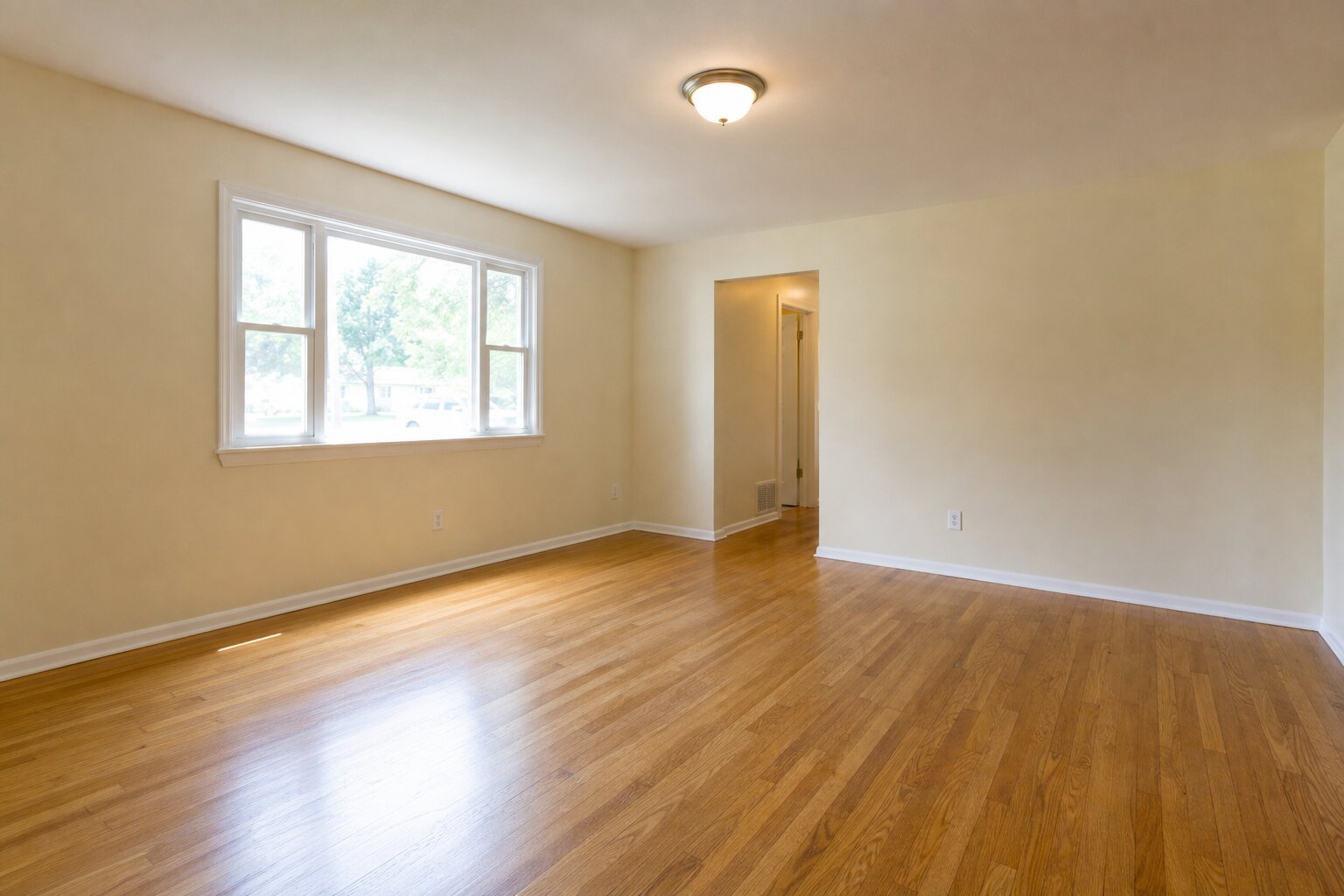
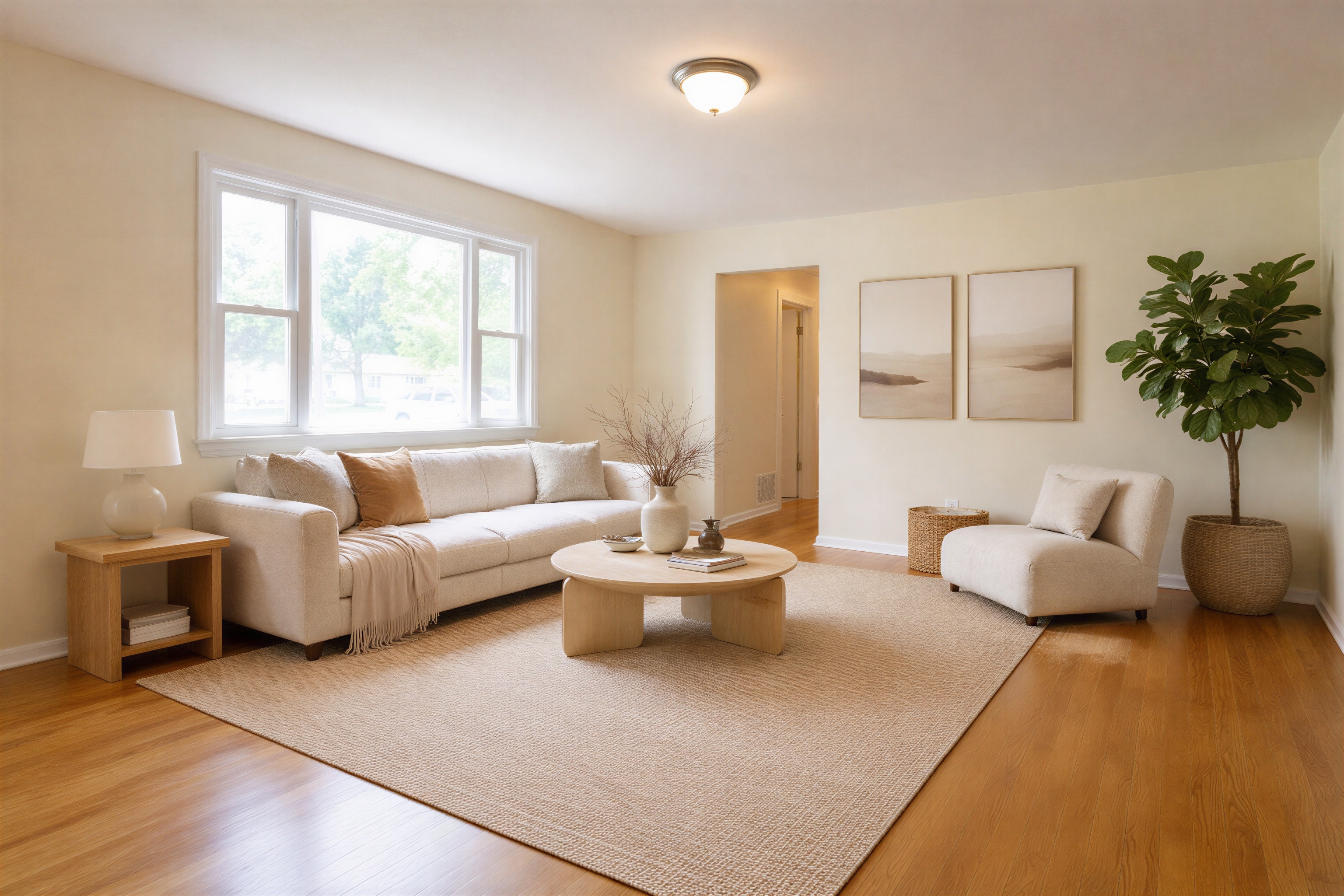
Compare the original file with an Agent Lens output, download both images, and use the checklist below to decide whether the edit is suitable for a listing.
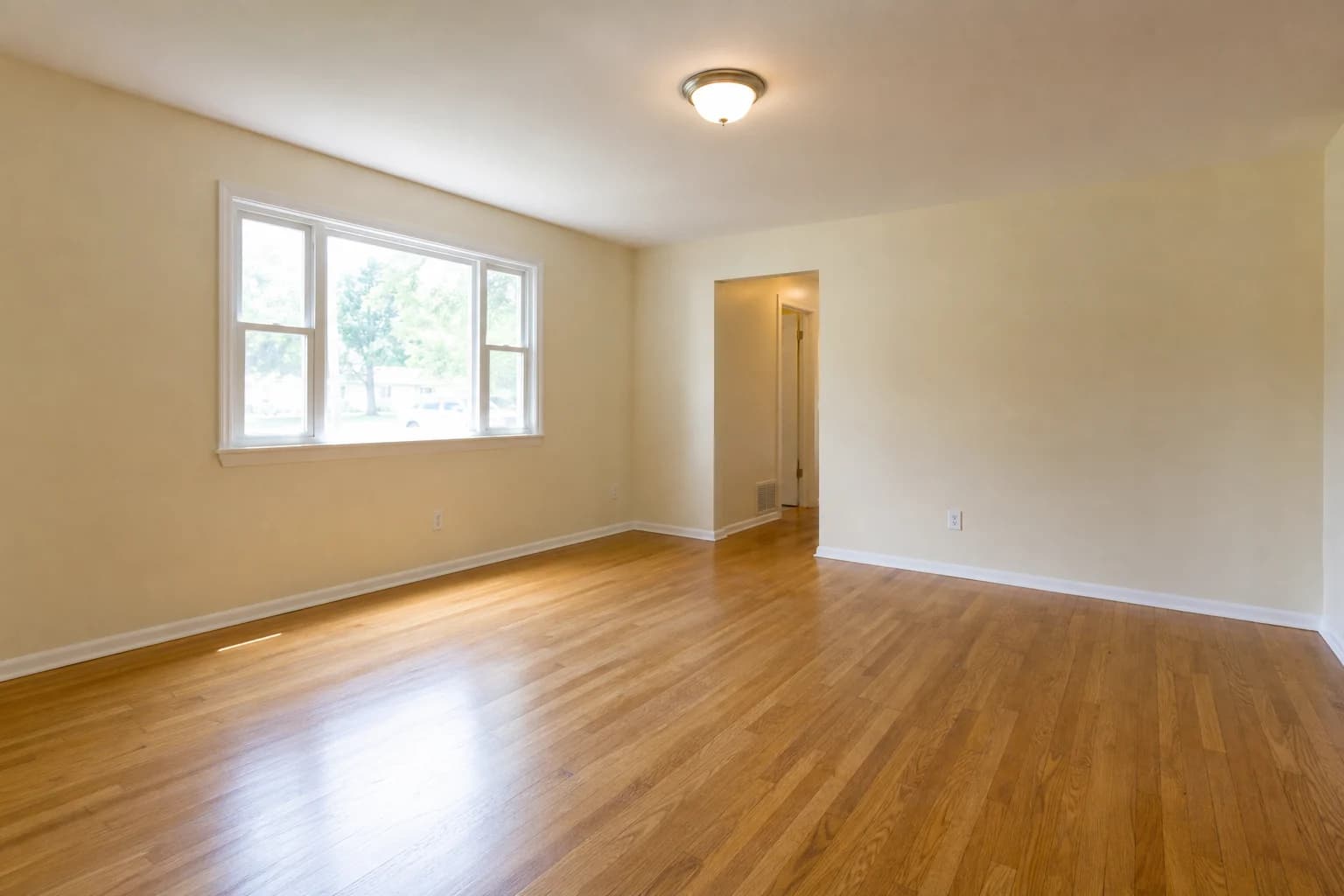
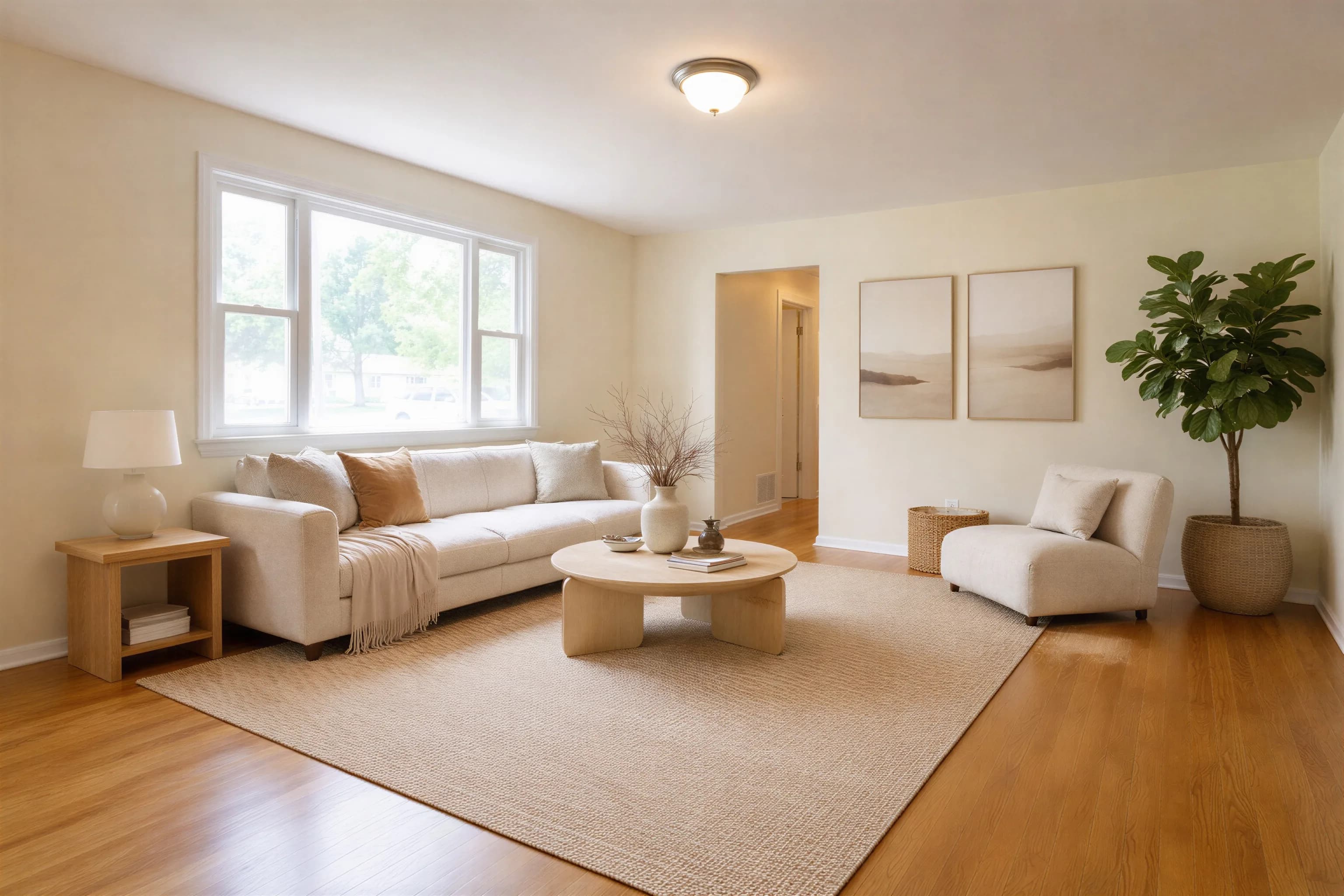
A useful before-and-after comparison keeps the original crop visible beside the edited image. Review whether walls, windows, doors, fixtures, and room geometry remain unchanged, then inspect furniture scale, shadows, and small artifacts. Virtual staging adds a possible furniture layout to a photo; it does not change the physical property.
Do not approve an image based on a small thumbnail. Compare it with the original at full size and work through these six checks.
Compare the source and output to confirm that the edit has not removed, moved, or invented a permanent property feature.
Look for bent lines, shifted corners, or furniture that crosses a wall. These artifacts can make the room misleading.
A plausible sofa is not enough: verify that the placement leaves believable circulation and does not exaggerate room size.
Furniture should sit on the floor rather than float, and its shadows should agree with the light already present in the source photo.
Zoom in before publishing. Distorted legs, illegible decor, duplicated objects, and impossible reflections are common failure points.
A realistic render is still an edited image. Label it according to the current rules for the MLS, portal, and jurisdiction where it will appear.
83%
Buyer Visualization
Buyers' agents who said staging helps visualization (NAR 2025; all staging).
29%
Reported Offer Lift
Agents reporting a 1–10% offer-value increase (NAR 2025; not guaranteed).
49%
Reported Faster Sales
Sellers' agents reporting some reduction in time on market (NAR 2025; not causal).
Source: National Association of Realtors, 2025 Profile of Home Staging. These are survey responses about staging overall. They do not prove that virtual staging caused a faster sale, a higher offer, or the same outcome as physical staging.
Upload an empty room photo and see the AI transformation yourself. 10 free credits included — no credit card required.
The comparison on this page is a synthetic empty-room input created for our August 2026 open test and its first Agent Lens output. Both exact files are available below. The full eight-case test also publishes results that needed regeneration or rejection.
Quality varies with the room, source photo, selected style, and generation. Inspect permanent features, geometry, furniture scale, shadows, reflections, and small details at full resolution. Regenerate or reject an output that changes the property or contains visible artifacts.
Agent Lens currently offers four staging aesthetics: Organic Modern, Mid-Century Modern, Modern Farmhouse, and Warm Maximalism. Other processing modes handle different tasks. Select the intended staging aesthetic, then verify that the output actually matches it.
In our August 2026 eight-image test, server task time ranged from 66.8 to 116.2 seconds, with a 98.8-second median. Processing varies by image, provider, and demand. Human review time is separate and should not be skipped.
A professional camera is not required, but source quality matters. Use a supported image format, keep vertical lines level, avoid extreme wide-angle distortion, expose windows and interior details clearly, and show enough of the room to understand its geometry.