

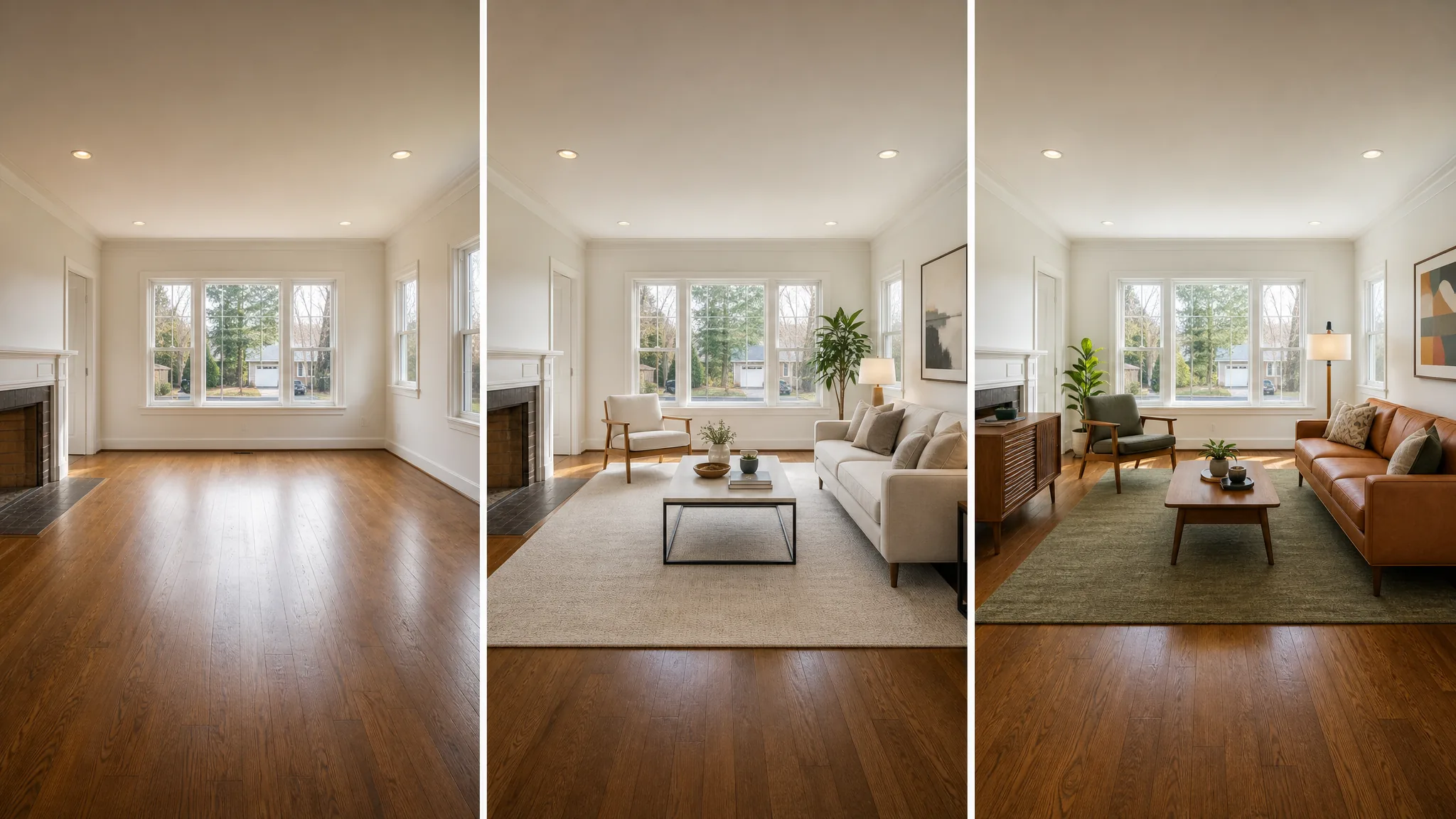
TL;DR. Virtual staging for vacant rooms is the fastest way to make an empty listing sell. The 2026 workflow is the same for every room: shoot a clean wide-angle photo, run it through an AI staging tool such as AgentLens, pick a style that fits the home, add an MLS disclosure label. Cost runs $0.10 to $0.20 per image with AI, against $1,500 to $3,000 for traditional in-person staging. Vacant listings with staged photos sell faster and for more. See our pricing breakdown for plan options.
Empty rooms look smaller, colder, and harder to picture lived in. That is the simple math of why vacant listings sit on the market longer and close lower. Virtual staging for vacant rooms fixes it without renting furniture for six weeks. You upload one photo, the AI fills the room with furniture in the style you pick, and the staged image is ready for the MLS in a few minutes. This is real estate virtual staging done in software.
This is the room-by-room playbook for staging vacant listings in 2026. We compare three tools: AgentLens (our product), Spacely AI, and Virtual Staging AI. The workflow is the same across all of them. If you want the full step-by-step setup with camera angles, see our step-by-step virtual staging guide. For the broader review of every category of AI virtual staging software, see the best AI tools for realtors roundup.
Why empty rooms hurt your listing
A vacant room gives a buyer no anchor for scale. Two real estate effects follow.
First, photos read flat. Without furniture, walls and floors dominate. The eye has nothing to hold on. The thumbnail loses to a staged competitor on Zillow and Realtor.com.
Second, the in-person showing feels longer. Buyers walk into a vacant room and pause. They do not picture themselves on the couch. They picture how much work it is to furnish the place. Showings get shorter. Second showings drop.
A separate r/realtors post from January 2025 captured the same observation. Read it firsthand if you want the unedited working-agent take.
r/realtors · "Worth it to pay for virtual staging that looks real?" · posted January 2025. A working-agent discussion on whether realistic virtual staging moves vacant listings. Read the original thread on reddit.com for the full discussion and live comment scores.
The thread surfaces the same tradeoff we hit in our testing. As one agent in a sibling thread put it about empty-room virtual staging, "it really helped when I was dealing with empty rooms and rentals." Another framed the rule: a virtual staging service should help people visualize the potential of an otherwise blah picture of two or three walls, without altering the room itself. A clean staged photo helps the listing win the click. A bad one screams "Photoshop" and burns trust before the showing. The five-step workflow below is built to land in the first bucket every time.
If you want a deeper dive on the lost-revenue side, our piece on why empty listings lose money breaks down the days-on-market and price-cut effect on vacant homes.
Watch: a 9-minute walkthrough for vacant-room staging
A short tutorial below from a producing agent who stages every vacant listing he takes. He uses a different web tool than the three we recommend, but the workflow he demonstrates is the same shoot then stage then disclose pattern that maps to any modern AI staging app.

The video confirms one thing we found in our own testing. The bottleneck is not the AI tool. It is the source photo. Get the camera right, the AI fills the rest in seconds.
Which rooms should you virtually stage first?
For a vacant listing, the order that actually moves the needle is this.
Living room first. The living room is the most-clicked thumbnail on Zillow and Realtor.com. Stage it before any other room. Use a sofa, a coffee table, an area rug, two pieces of wall art, and a green plant. Skip the styled bookshelf, the kitchen-island fruit bowl, and the tray of perfectly aligned magazines. Those tells read as fake.
Primary bedroom second. The primary bedroom is the second-most clicked. Stage it with a bed at the right scale, two nightstands, lamps, a small dresser, and minimal art over the headboard. Watch the bed-to-room ratio. AI tools default to king beds even in 10-by-12 rooms. If that happens, redo with a "small room" preset or pick a queen style.
Dining room third. A dining room with no table feels like a hallway. A table for six with chairs, a centerpiece, and one wall hanging anchors the room as functional.
Stop there for most listings. Secondary bedrooms only need staging if they are unusually small (showing a bed grounds the scale) or oddly shaped (showing furniture clarifies the use). Bathrooms and kitchens rarely benefit from staging. They benefit from cleaning and a small physical touch up before showings.
For a complete map of room and style combos, our virtual staging hub lays out every common pairing.
The 5-step workflow for vacant-room staging
We tested this exact workflow on a vacant 1,800 square foot home in Austin. The five steps are tool-agnostic. Only the upload interface and pricing differ.
Step 1. Shoot wide, level, and lit
The AI uses the source photo for floor angle, wall position, and light direction. Three rules.
Use a wide-angle lens or your phone in 0.5x mode. AI staging tools work best with a full room view showing two walls and the floor. Tight crops produce smaller staged areas and the result looks cramped.
Level the camera. Tilt produces converging vertical lines, and the AI then guesses where the floor ends. The most common artifact in vacant homes is floating furniture, and tilted source photos cause most of it. A tripod or a phone resting on a stable surface at chest height removes the problem.
Open the blinds, turn on the lights, and shoot during the day. Diffuse daylight is the most forgiving input for any AI staging model.
Step 2. Pick the right AI tool for the room
We tested three tools that cover the main price tiers for vacant-room staging.
AgentLens: Chrome extension built for agent workflow
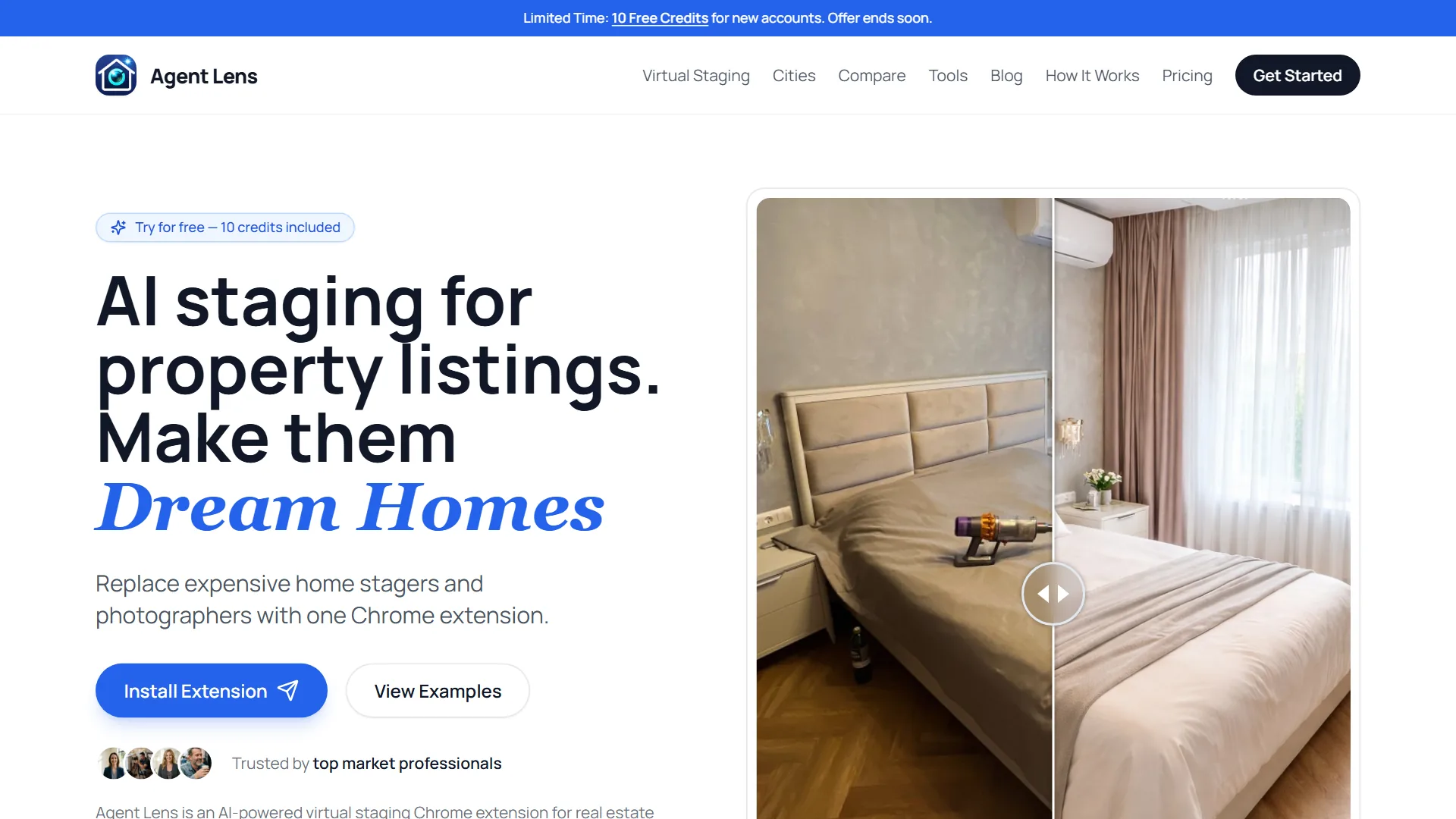
AgentLens is a Chrome extension that stages directly inside the browser tab. Drag a photo onto the side panel, pick a style preset, the staged photo is ready in 30 to 60 seconds. One credit equals one staged image.
Pricing: 10 free credits on signup with no card. Paid plans start at $9.90 per month for 50 credits, $19.90 for 150, and $50 for 500. Yearly billing knocks 20 percent off.
Best for vacant rooms: the 10 free credits stage two complete vacant listings (5 rooms each) before you pay anything. That is enough to test it on your next vacant listing without commitment.
Spacely AI: web tool focused on empty-room staging
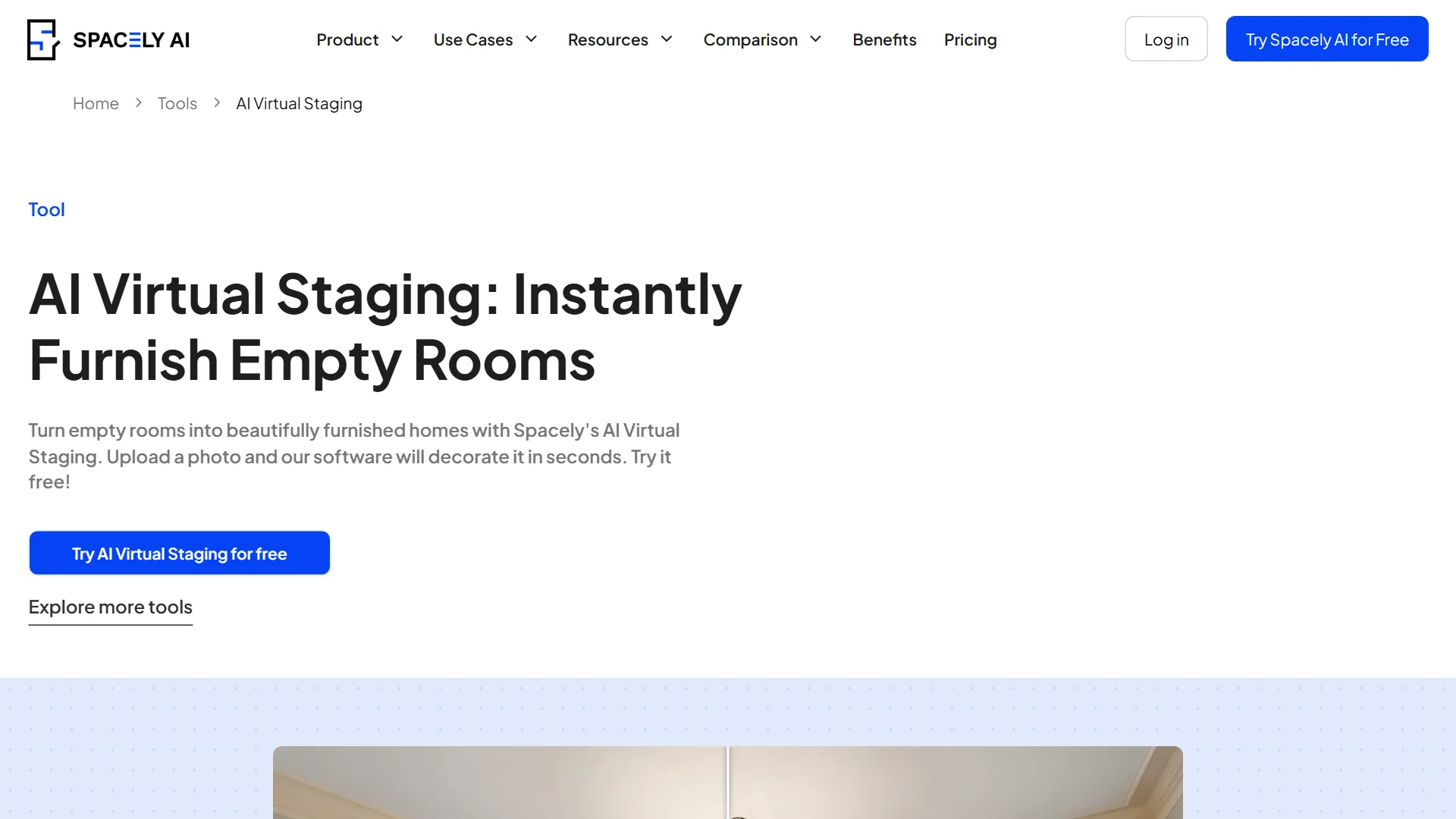
Spacely AI's virtual-staging product positions specifically around empty rooms. Upload a photo, choose a style, and the AI fills the room. The interface is slightly heavier than AgentLens but the empty-room focus shows in the output: scale and proportions are calibrated for vacant spaces.
Pricing: free tool to try, paid plans available for higher volume.
Best for vacant rooms: agents who want a tool whose entire product line is built around empty-room staging rather than general interior design.
Virtual Staging AI: per-image pricing for low volume
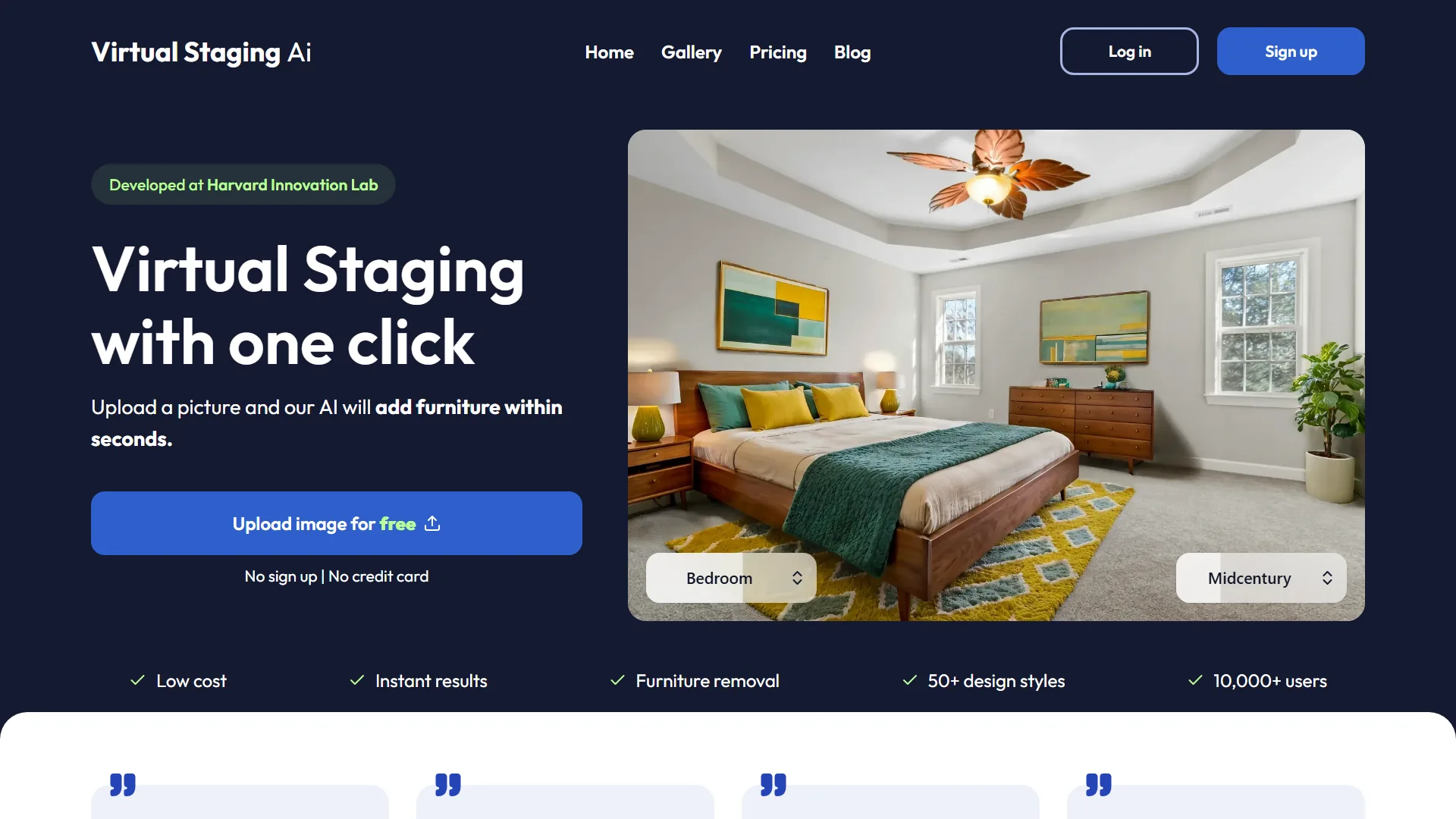
Virtual Staging AI offers per-image pricing in addition to subscriptions, which is rare in this category. One free image with no card, then around $16 per image or subscriptions from $16 per month.
Best for vacant rooms: agents staging fewer than four rooms per month. The per-image plan beats a subscription if your volume is low and you take one or two vacant listings a quarter.
Step 3. Choose a style that matches the home
The style picker is where most agents waste credits.
Match the home, not your personal taste. A 1970s ranch staged in modern minimalism reads as obviously edited. A coastal beach house staged in industrial loft reads as off. Pick a style consistent with the architecture, the price point, and the neighborhood. Modern farmhouse and classic suburban work for most US suburbs. Mid-century modern works for postwar tract homes. Coastal works for beach towns and Florida.
Watch the scale. AI models occasionally place oversized furniture in small rooms. A king bed in a 10-by-12 bedroom is the most common artifact. Most tools have a "small room" or "studio" preset. Use it when the original photo shows tight wall-to-wall spacing.
Fewer items beats more. A sofa, a coffee table, an area rug, two pieces of wall art, and a plant is usually the right load. Skip the second sofa, the styled tray, and the kitchen-island fruit. They date the staged photo immediately.
Step 4. Generate and review on a full screen
Run the AI render. Most tools deliver in 30 to 90 seconds for a single image. Review on full size, not the thumbnail. Look for four common artifacts.
Floating furniture. Items not touching the floor cleanly, with soft shadow on the wall behind them. The AI guessed the wrong floor angle. Re-run on the same photo and a different style, or use the tool's "regenerate" button.
Doubled features. Two coffee tables, a couch with extra cushions, wall art overlapping a window. AI models occasionally hallucinate symmetry. Pick a different output from the regenerate set.
Wrong scale. Bed too small or sectional that fills space that does not exist. The most common artifact in vacant homes with very wide-angle photos. Try a less aggressive style preset, or split the photo into a tighter crop and run again.
Color clashes. Furniture that does not match the wall color or natural light direction. AI tools usually pick neutral tones to play safe but occasionally generate a teal sectional against a warm beige wall. Regenerate. One credit.
After two or three regenerations, if the result still looks off, re-shoot the source photo. The bottleneck is rarely the AI.
Step 5. Add the disclosure label and upload
Most US states and most major MLS systems require disclosure on virtually staged photos. California's AB 723 made it explicit for AI-edited real estate photos. Florida Realtors has aligned with similar guidance. Many state and regional MLS rules require a corner watermark or caption noting "virtually staged" on each enhanced image.
We use a tiny corner watermark reading "Virtually Staged by AgentLens AI" in 12-point text. AgentLens adds this automatically. Other tools require you to add it in Canva or Photoshop before upload.
Upload the disclosed photo to the MLS and to your listing on Zillow, Realtor.com, and your brokerage site. Add one short line to the listing description. Example: "Living room and primary bedroom photos virtually staged. Home is being sold vacant."
For listing description help, our free listing description generator outputs MLS-ready text with a virtual-staging disclosure paragraph included.
Try AI virtual staging on your next vacant listing
10 free credits on signup, no credit card required. Enough to stage two complete vacant listings.
Install the Chrome extension. 10 free credits, no card.
Common vacant-room staging mistakes
Three mistakes drop the result from "convincing" to "obviously edited."
Overstaging. Filling every corner with furniture. The room reads cluttered. Buyers want to picture their own things. Five items in a living room is the upper bound.
Style mismatch. Mid-century furniture in a Tudor cottage. Industrial loft styling in a suburban ranch. The architecture sets the lane. Pick a style inside the lane.
Skipping the disclosure. Posting an AI-staged photo without the watermark or caption draws a complaint and can violate state rules. A small corner watermark is the entire fix.
How we tested
We ran the same vacant 1,800 sqft home in Austin through three tools using the same style preset (Modern Farmhouse). Each tool was tested on the living room, the primary bedroom, and the dining room. We scored photo quality, scale accuracy, generation speed, and the workflow friction from upload to download. Pricing is taken from each vendor's public pricing page as of May 2026. We disclose that AgentLens is our own product and triple-checked the comparison.
Read more about how we evaluate AI staging tools on this site.
Last updated: May 19, 2026. Prices and feature lists are reviewed monthly. The screenshots in this guide were captured directly from each vendor's live homepage on May 19, 2026.
Frequently asked questions about virtual staging for vacant rooms
What is virtual staging for vacant rooms?
Virtual staging for vacant rooms is the digital editing of a listing photo to add furniture, rugs, art, and decor to a vacant or sparsely furnished room. The home stays empty for showings. Only the photos are changed. Modern AI staging tools generate the staged image in under a minute, replacing the old drag-and-drop method that took a human editor 30 to 60 minutes per room.
Does virtual staging help sell vacant listings faster?
Yes. Staged photos drive higher click-through rates on Zillow and Realtor.com than empty-room photos. The thumbnail wins the scroll. Faster click-through usually means faster showings and fewer days on the market. For a vacant listing where physical staging is impractical, virtual staging is the highest-ROI marketing move you can make.
What are the disadvantages of virtual staging?
Two real ones. First, the in-person walkthrough does not match the photo. If the staging style is loud or the buyer is sensitive, that gap can cost the second showing. Pick a style consistent with the home and the buyer expectations to close the gap. Second, MLS rules require disclosure. A small corner watermark and a sentence in the listing description handle it. Skipping the disclosure is what gets you in trouble, not the staging itself.
How much does virtual staging for vacant rooms cost?
About $0.10 to $0.20 per staged image on a subscription plan. Per-image pricing without a subscription runs around $16 per image. Traditional in-person staging runs $1,500 to $3,000 per home for a six-week rental. Vacant listings recover the AI cost within the first showing. The full cost breakdown is in our virtual staging cost guide.
Can you do virtual staging for vacant rooms for free?
Yes, on first use. The best free virtual staging app options for vacant rooms in 2026 are AgentLens (10 free credits on signup, no card), Spacely AI (free staging test without payment), and Virtual Staging AI (one free image). Each free tier is enough to stage at least one room and decide whether the tool fits your workflow before subscribing. None of these are unlimited free, but the credits give you enough to test the workflow on a real vacant listing. If you need ongoing virtual staging for vacant rooms free of charge across many listings, you will eventually need to subscribe.
What is the best virtual staging for vacant rooms?
The best virtual staging for vacant rooms depends on your volume. For agents who take more than one vacant listing per month, AgentLens or any subscription-based virtual staging software wins on per-image price. For agents staging a vacant home once or twice a quarter, Virtual Staging AI's per-image pricing beats a subscription. Spacely AI is the option whose product is specifically engineered around the virtual staging empty room use case. For all three, the quality of the staged photo depends more on the source photo than on the tool.
Which rooms should I virtually stage first in a vacant listing?
Living room, primary bedroom, dining room. Those three are the most-clicked thumbnails on Zillow and Realtor.com. Stage them first. Skip secondary bedrooms unless they are unusually small or oddly shaped. Skip bathrooms and kitchens for staging. They benefit from cleaning and minor physical touch ups instead.
Is virtual staging legal on MLS for vacant rooms?
Yes, when disclosed. Most MLS systems and most state real estate commissions allow virtual staging on listing photos as long as each enhanced photo is labeled. Common labels include a small corner watermark reading "Virtually Staged" and a sentence in the listing description. California's AB 723 made this explicit for AI-edited photos. Read your local MLS rules before posting.
Bottom line: a vacant listing in 2026 is a 10-minute AI staging fix away
If your listing is vacant and your photos are still empty rooms, you are leaving days on market on the table. The barrier to entry for virtual staging for vacant rooms is no longer skill or budget. It is the willingness to spend ten minutes per room on a single photo and pick a style.
Install AgentLens, use your 10 free credits on the living room and primary bedroom of your next vacant listing, and compare the days-on-market for that listing to the vacant ones you posted last quarter. The numbers tell the story faster than any tutorial.
Related reading: For a head-to-head comparison of 6 virtual staging tools with a pricing table and free-tier breakdown, see Virtual Staging Software for Real Estate Agents. It covers AgentLens, REimagineHome, Virtual Staging AI, Spacely AI, BoxBrownie, and ApplyDesign.
Free Real Estate Tools
Explore our free calculators and AI tools for agents:
Transform Your Listings with AI
Apply professional virtual staging and enhancements in seconds. Start transforming your listings today.
Explore Virtual Staging Options
Start with our most popular room & style combinations: