
Posts That Stop the Scroll
Create attention-grabbing Just Listed, Just Sold, Coming Soon, and Price Reduced announcements. AI-powered, ready for Instagram and Facebook.
Make Your Photos Pop
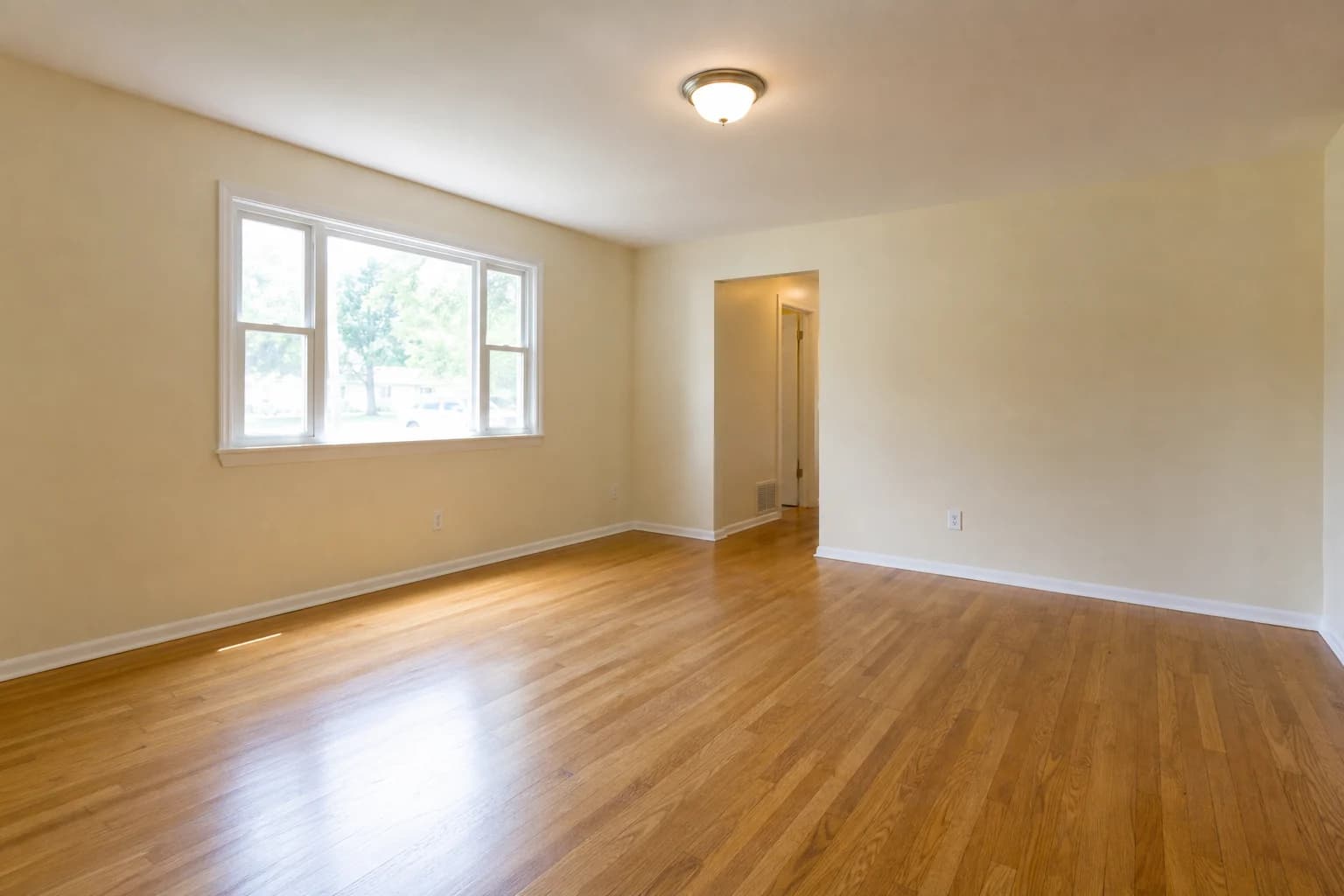
Pair the draft with accurate photos, disclose virtual edits, and verify every property claim before publishing.

Why Your Posts Need to Stand Out
Fact-Led Opening
Starts with the verified listing status and key property context.
Fast First Draft
Reduces blank-page time without removing the approval step.
Platform Variants
Creates separate drafts to check against current platform rules.
Review Checklist
Keeps price, status, features, disclosures, and calls to action visible.
The Complete Listing Lifecycle
Top agents post at every stage. Our generator supports all announcement types:
Just Listed
Announce new listings with excitement
Best for: A newly active, verified listing
Just Sold
Celebrate wins and build credibility
Best for: Social proof, referrals
Coming Soon
Build anticipation before listing
Best for: Early buyer interest
Price Reduced
Re-engage potential buyers
Best for: Renewed attention
Open House
Drive attendance and interest
Best for: Event promotion
Under Contract
Show momentum and activity
Best for: Urgency building
What Makes Posts Perform
Do This
- Start with an emoji or attention-grabbing word
- Include the price, beds/baths, and location
- Highlight 2-3 standout features
- End with a clear call-to-action
Avoid This
- Walls of text with no line breaks
- Only posting "New listing!" with no details
- Forgetting the call-to-action
- Same boring template for every listing
Find Your Posting Window
There is no universal best time. Use each account's native analytics to compare audience activity, impressions, clicks, and inquiries. Keep listing status and price current regardless of schedule.
Frequently Asked Questions
What makes a good Just Listed post?
Lead with the listing status and location, then include verified price, key features, availability, and a clear next step. Use emojis and hashtags only when they fit your brand and platform. Review the draft for fair-housing, brokerage, MLS, and advertising requirements.
Should I include the price in my post?
Include the current price when your brokerage, MLS, seller instructions, and local advertising rules permit it. A visible price gives readers useful context, but it does not guarantee engagement or qualified leads. Update or remove the post if the price or status changes.
How often should I post listings?
Post each listing multiple times through its lifecycle: Coming Soon → Just Listed → Open House → Under Contract → Just Sold. This tells a story and keeps your audience engaged with your success.
Which listing post type should I choose?
Choose the type that matches the listing's verified status: Coming Soon, Just Listed, Open House, Price Reduced, Under Contract, or Just Sold. Platform performance varies, and some statuses have specific MLS or brokerage rules. Never select a status only because it sounds more urgent.
Should I use the same post on Instagram and Facebook?
You can reuse the verified property facts, but review formatting, link behavior, image dimensions, accessibility text, and current character limits for each platform. The generated copy is a draft, not a guarantee of platform performance.