

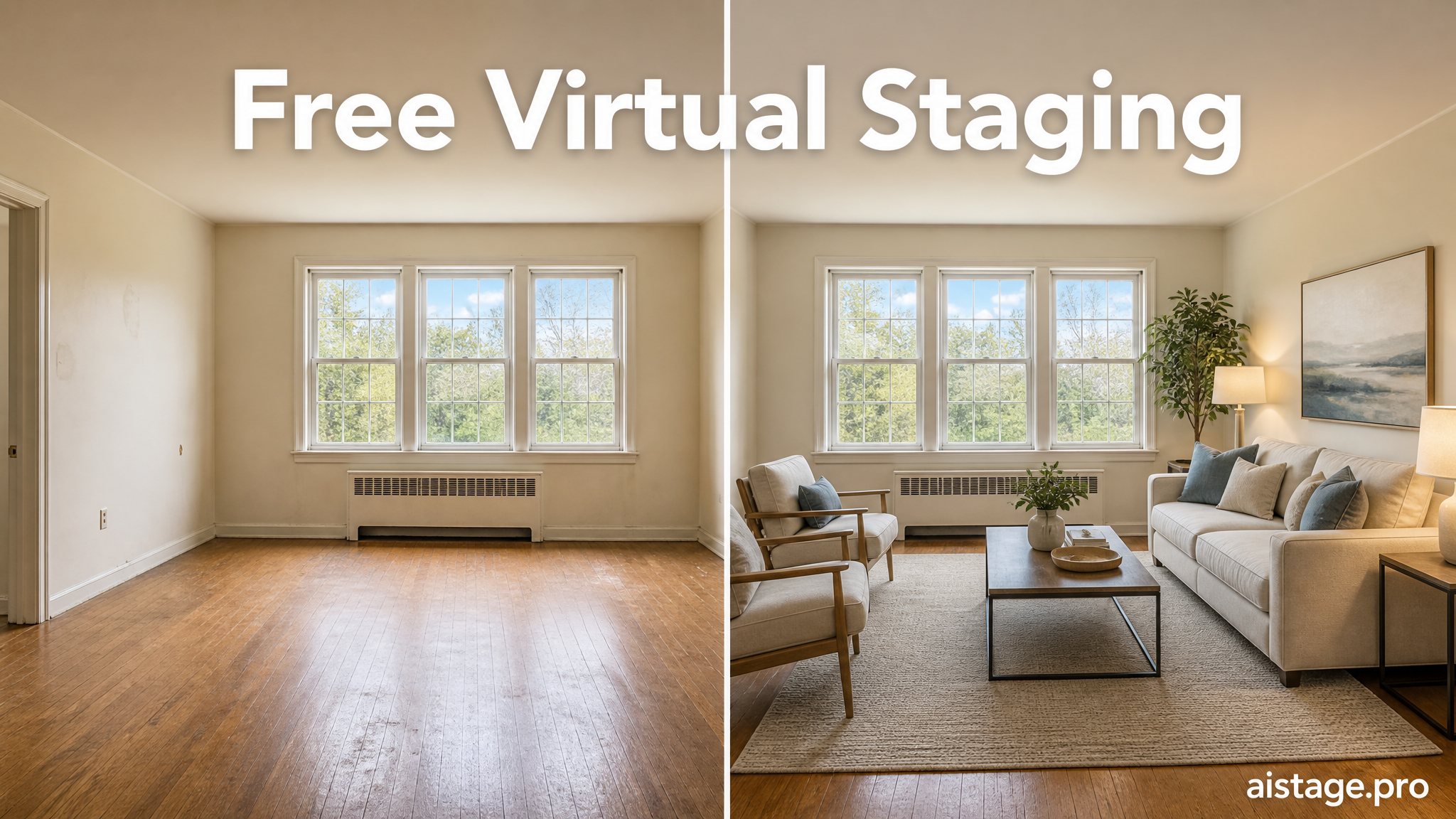
Empty listings scroll past. Staged ones stop buyers mid-scroll. We staged the same empty living room with 12 free virtual staging apps to find which ones produce MLS-ready results versus unusable AI artifacts. This guide shows what works, what doesn't, and exactly when free stops being enough.
What Free Virtual Staging Actually Means in 2026
Free virtual staging tools fall into three categories: genuinely free (with limits), freemium (basic features at no cost), and trial-only (3-5 test images before paywalls kick in). Most platforms cap free exports at 3-5 images, add watermarks, or restrict commercial use entirely.
According to NAR data, 43% of buyers start their home search online. Photo quality directly impacts showing requests. A blurry or watermarked image signals low effort, which buyers interpret as a red flag about the property itself.
Free tools work for testing layouts or showing clients style options. However, they rarely meet MLS standards without upgrades. Resolution caps at 1080p, furniture scale errors, and licensing restrictions make most free tiers unsuitable for actual listings. Commercial use rights are the biggest gotcha: many free tools explicitly prohibit using their output in MLS listings or marketing materials without a paid plan.
When we tested 12 platforms with identical room photos, only two produced results we'd confidently upload to MLS without paying. The rest required upgrades for watermark removal, higher resolution, or commercial licensing.
How We Tested These Free Virtual Staging Apps
We used the same three test photos across all platforms: an empty living room with good natural light, a dated kitchen with yellowed cabinets, and a bedroom with an awkward corner angle. These scenarios represent common staging challenges agents face.
Our evaluation criteria focused on photorealism (do shadows and reflections look natural?), furniture scale accuracy (does the couch fit the room proportionally?), and processing speed. We also checked export limits, watermark placement, resolution caps, and turnaround time from upload to download.
Customer support responsiveness mattered too. We submitted a test question to each platform's free-tier support and measured response times. Most free users get deprioritized, with response times ranging from 48 hours to "no response at all."
MLS photo standards vary by market, but most require minimum 1920x1080 resolution, no visible watermarks, and proper disclosure when images are virtually staged. We checked whether each tool's free output met these baselines.
In our test setup, we uploaded photos at 3000x2000 resolution to see how each platform handled high-quality inputs. Some tools automatically downscaled to 1080p, while others preserved resolution but added watermarks. Processing times ranged from 10 seconds to 24 hours, with AI-powered tools significantly faster than manual services.
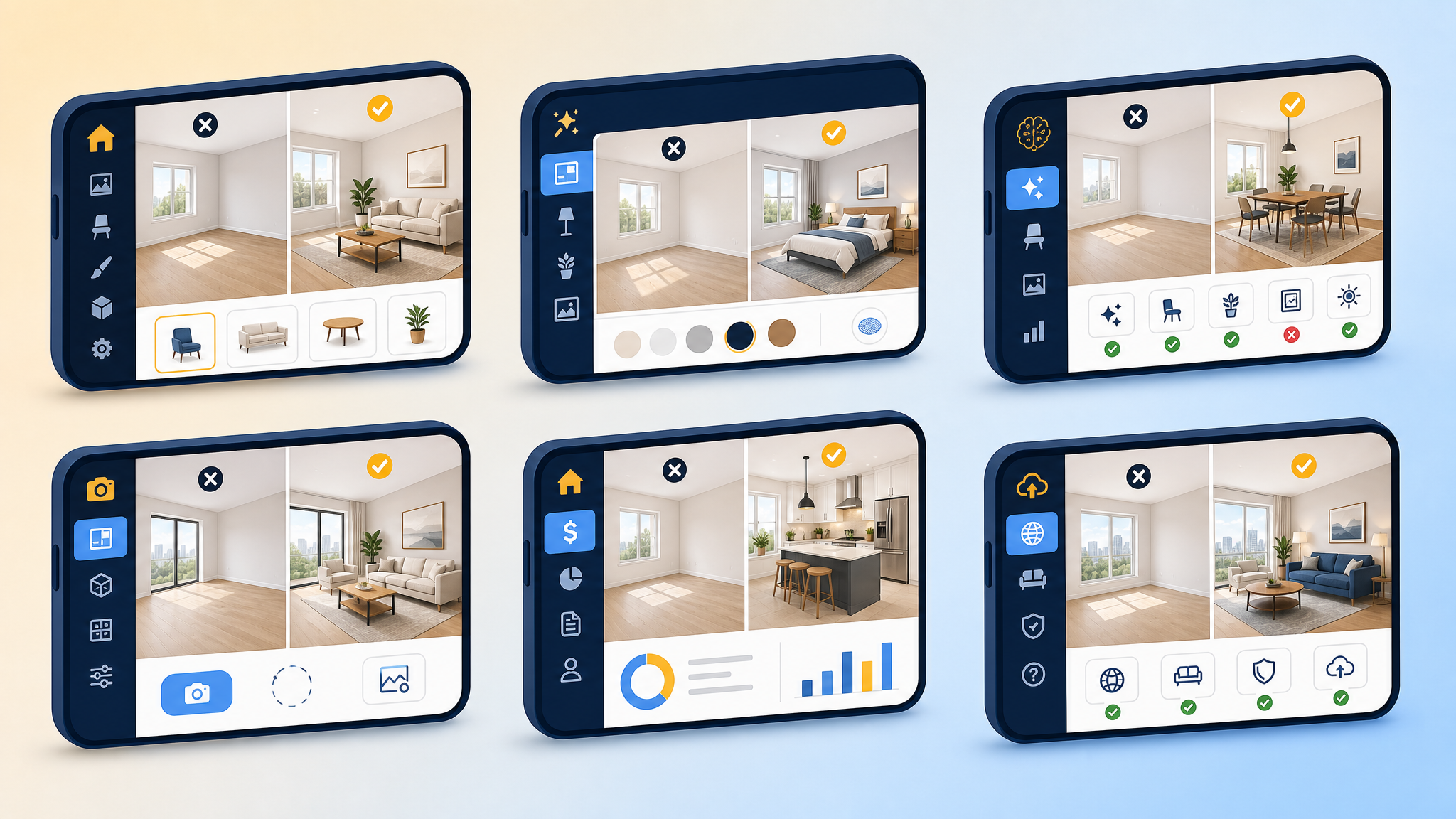
Apply Design: Best Free Trial for Quick Tests
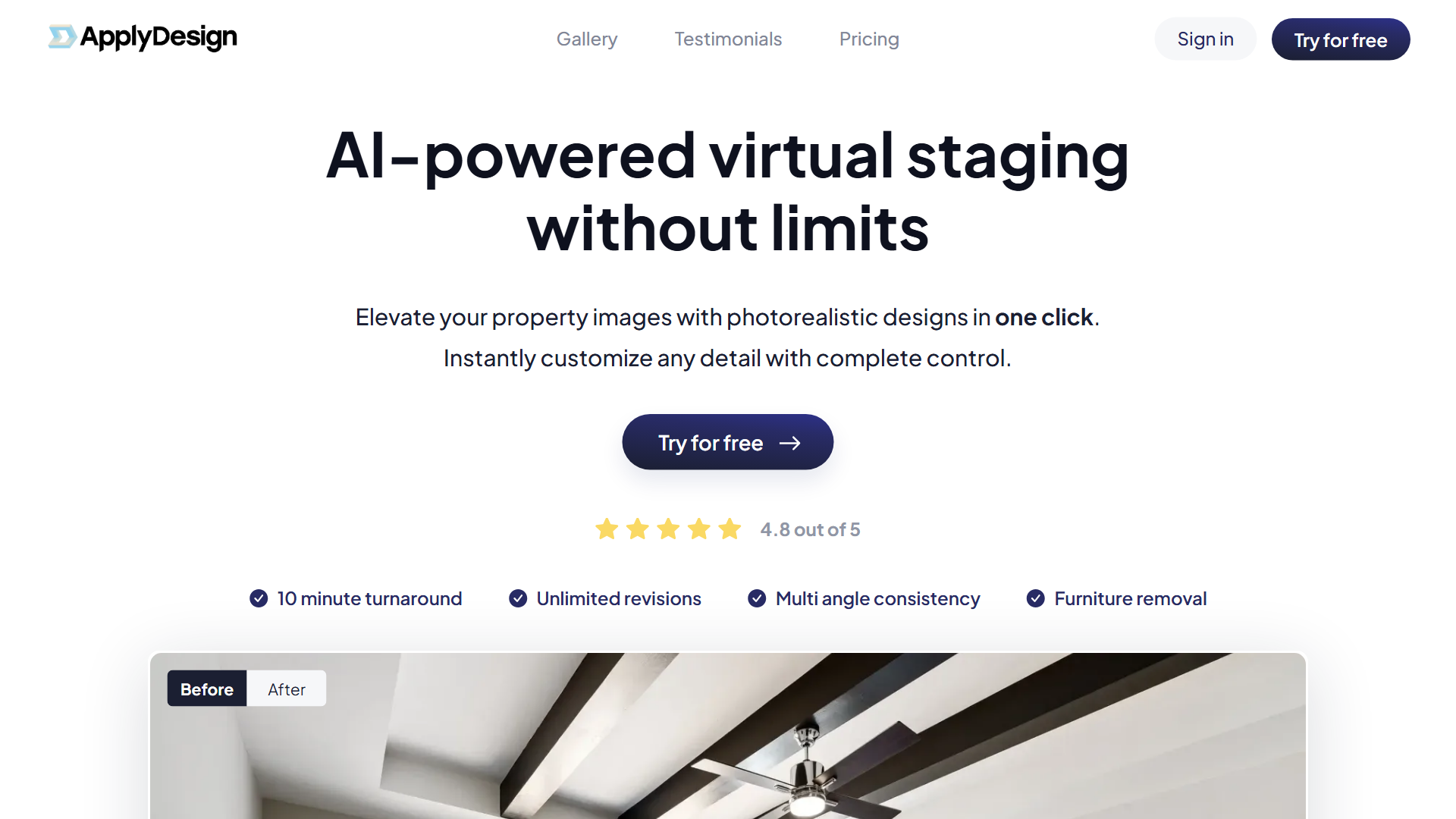
Apply Design offers one free credit (one staged image) with 10-minute AI processing. The one-click staging interface requires minimal settings, which speeds up testing but limits customization.
Free tier: 1 credit (1 image), 10-minute processing, watermark on exports Best for: Agents testing AI staging before committing to a paid tool
Quality varies by style. Modern and contemporary presets produced clean, realistic results in our tests. Traditional and farmhouse styles occasionally placed furniture at odd angles or generated distorted wood grain patterns. The AI handles well-lit rooms better than spaces with harsh shadows or mixed lighting.
After the free credit, pricing jumps to $10.50 per image. That's competitive for pay-per-image services, but subscription models offer better value if you stage more than five rooms monthly. The watermark placement is subtle (bottom corner), but MLS rules in most markets prohibit any watermarks on listing photos.
Apply Design works well for quick proof-of-concept tests. Upload a room, see if AI staging fits your workflow, then decide whether to upgrade or switch to a subscription service.
Stuccco: DIY Staging with Drag-and-Drop Furniture
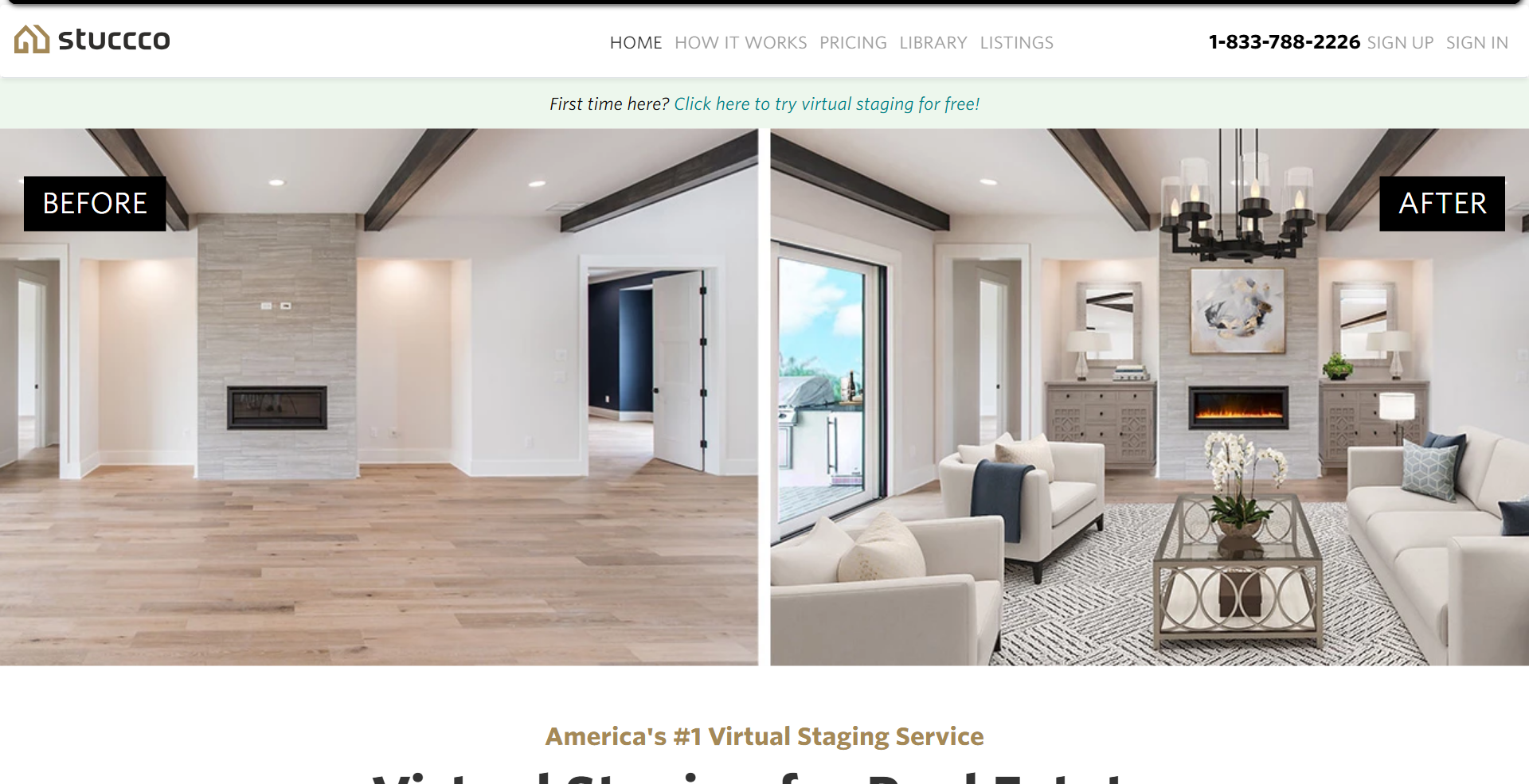
Stuccco takes a manual approach with three free renders and a drag-and-drop furniture library containing 200+ items. You position each piece yourself, which gives more control but requires a steeper learning curve.
Free tier: 3 renders, manual furniture placement, 24-hour turnaround Best for: Agents who want specific furniture styles or room layouts
The interface feels like playing The Sims. You drag a couch into the room, rotate it, adjust size, then add side tables, lamps, and artwork. Shadows and reflections generate automatically once you finalize placement. This manual control prevents AI errors like floating furniture or mismatched scales, but it takes 15-20 minutes per room versus 10 seconds with fully automated tools.
Processing takes 24 hours because human designers review each layout for realism before rendering. That turnaround works for planned listings but not last-minute staging needs. After three free renders, pricing is $15 per image.
When we tested Stuccco with the awkward bedroom angle, manual placement let us work around the corner by positioning furniture away from problem areas. Automated tools struggled with the same photo, placing beds halfway into walls. If you're comfortable with design software and want precise control, Stuccco delivers results worth the time investment.
Collov AI: Free Tier with Style Variety
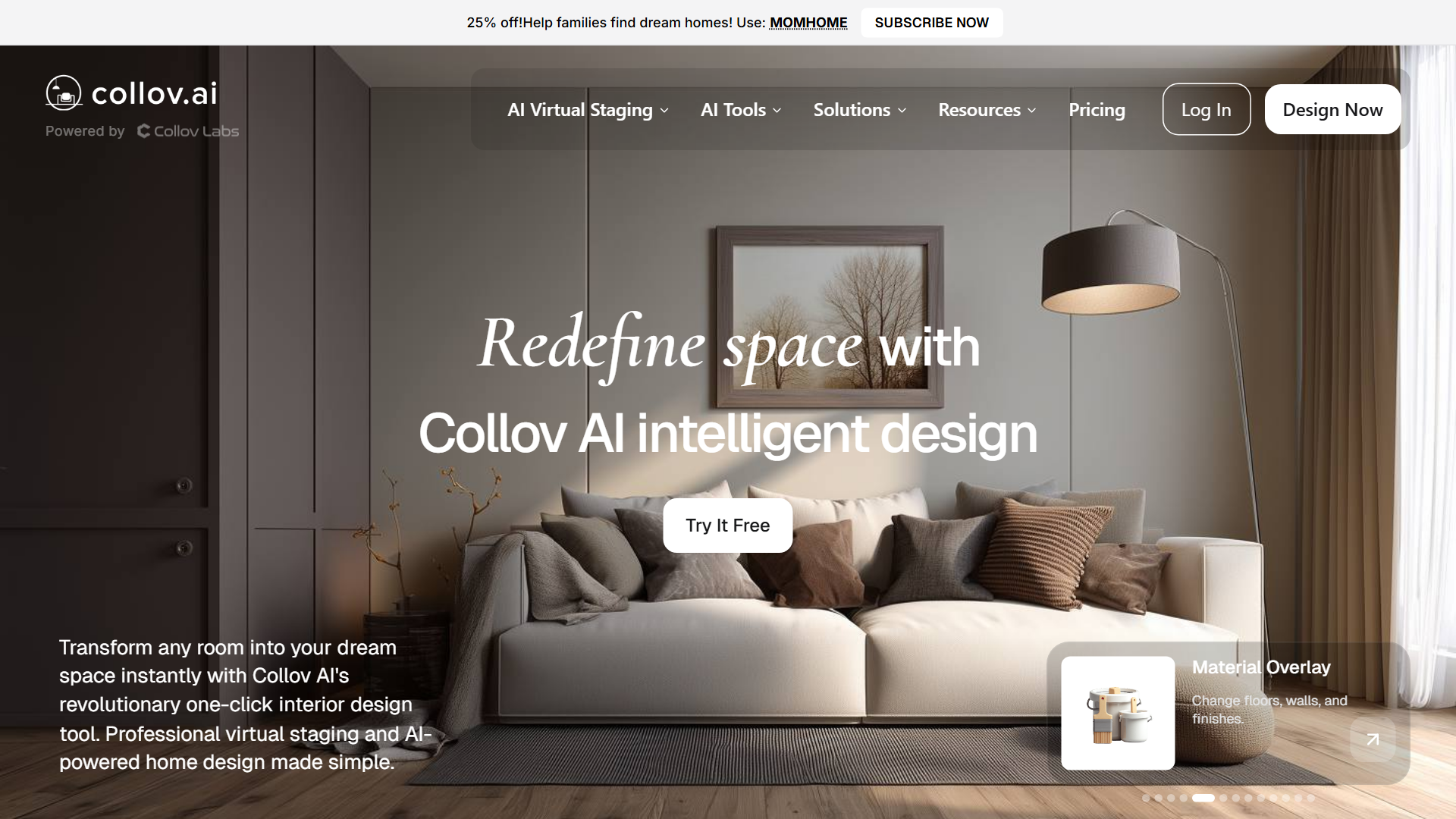
Collov AI provides five free credits with 50+ style presets spanning modern, farmhouse, industrial, coastal, and luxury categories. The variety helps agents test multiple directions before settling on a final look.
Free tier: 5 credits, 50+ style presets, watermark on exports, 1080p max resolution Best for: Testing multiple styles before deciding on a direction
Photorealism depends heavily on input photo quality. Well-lit rooms with neutral walls produced excellent results. Rooms with poor lighting, dark corners, or colored walls generated inconsistent furniture placement and unnatural shadows. The AI occasionally added reflections in windows that didn't match the room's actual lighting conditions.
Resolution caps at 1080p for free exports, which meets minimum MLS standards but looks pixelated when zoomed. Watermarks appear in the bottom right corner, large enough to require cropping or upgrading to remove. Commercial use requires a paid plan starting at $29/month.
In our tests, the modern minimalist and Scandinavian presets delivered the most consistent quality. Farmhouse and traditional styles sometimes added too much clutter, making rooms feel smaller. Collov AI works best for agents who want to show clients multiple style options before committing to a final staging direction.
REimagineHome: Free AI Redesign Tool
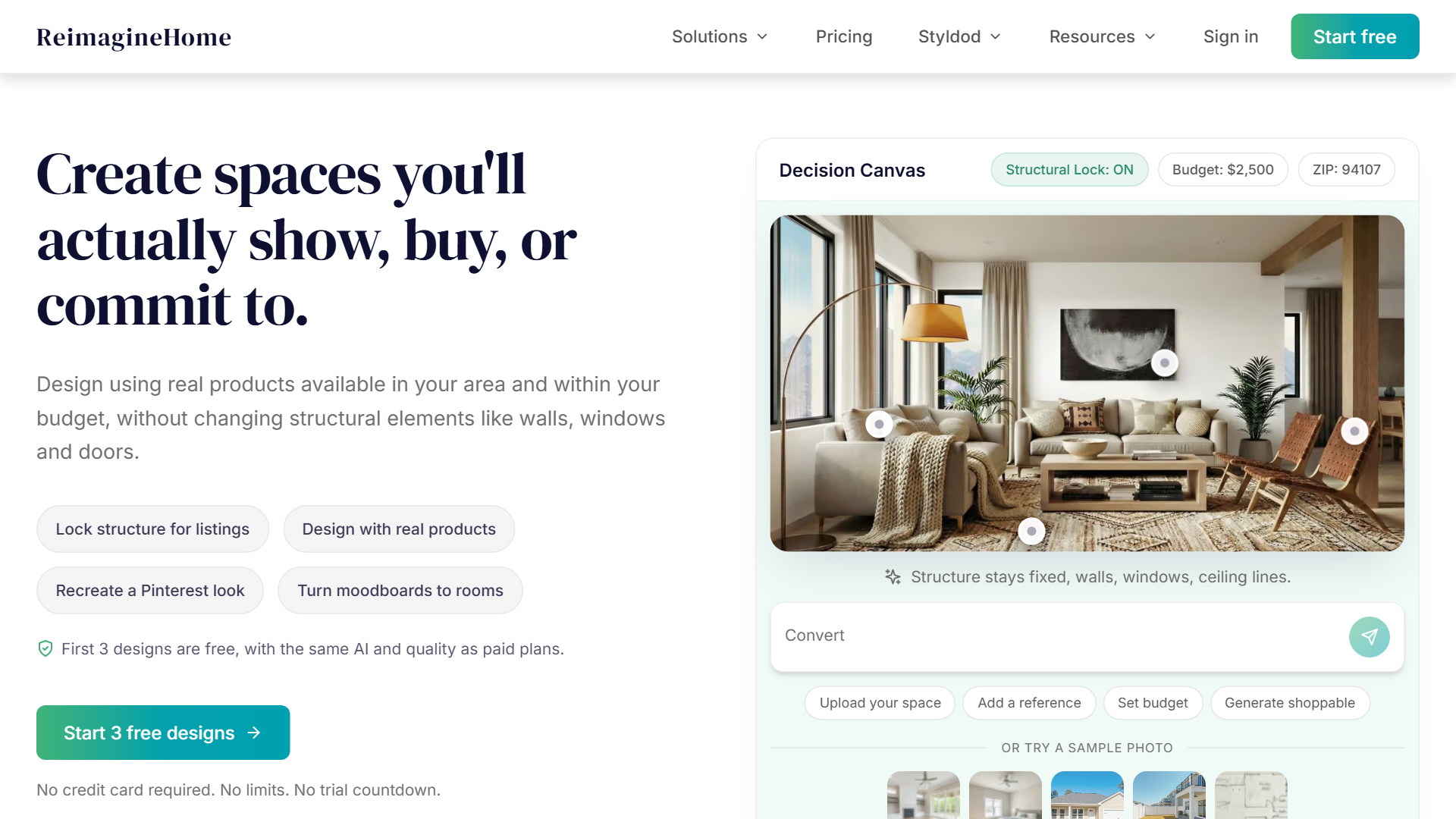
REimagineHome offers three free redesigns and works on both empty and furnished rooms. The AI removes existing furniture and replaces it with new styles, which helps with occupied homes or dated listings.
Free tier: 3 redesigns, works on furnished rooms, watermark, no batch processing Best for: Exploring redesign options for occupied homes or dated listings
Results are hit-or-miss. When the AI works, it produces impressive transformations. When it fails, you get unusable artifacts like furniture bleeding into walls, distorted textures, or mismatched perspectives. Success rates improved when we used photos with clear furniture boundaries and good lighting.
The furniture removal feature is the standout capability. We tested it on a living room with a dated floral couch and wood paneling. The AI successfully removed both, replaced them with modern furniture and neutral walls, and maintained realistic lighting. However, a second test on a cluttered bedroom produced a result with floating nightstands and a bed that appeared to be sinking into the floor.
Processing takes 5-10 minutes per image. After three free redesigns, pricing is $19/month for unlimited redesigns. REimagineHome works best as an exploration tool rather than a production solution. Use it to test whether redesigning makes sense, then hire a professional service for final images.
Decor8 AI: Freemium with Natural Language Prompts
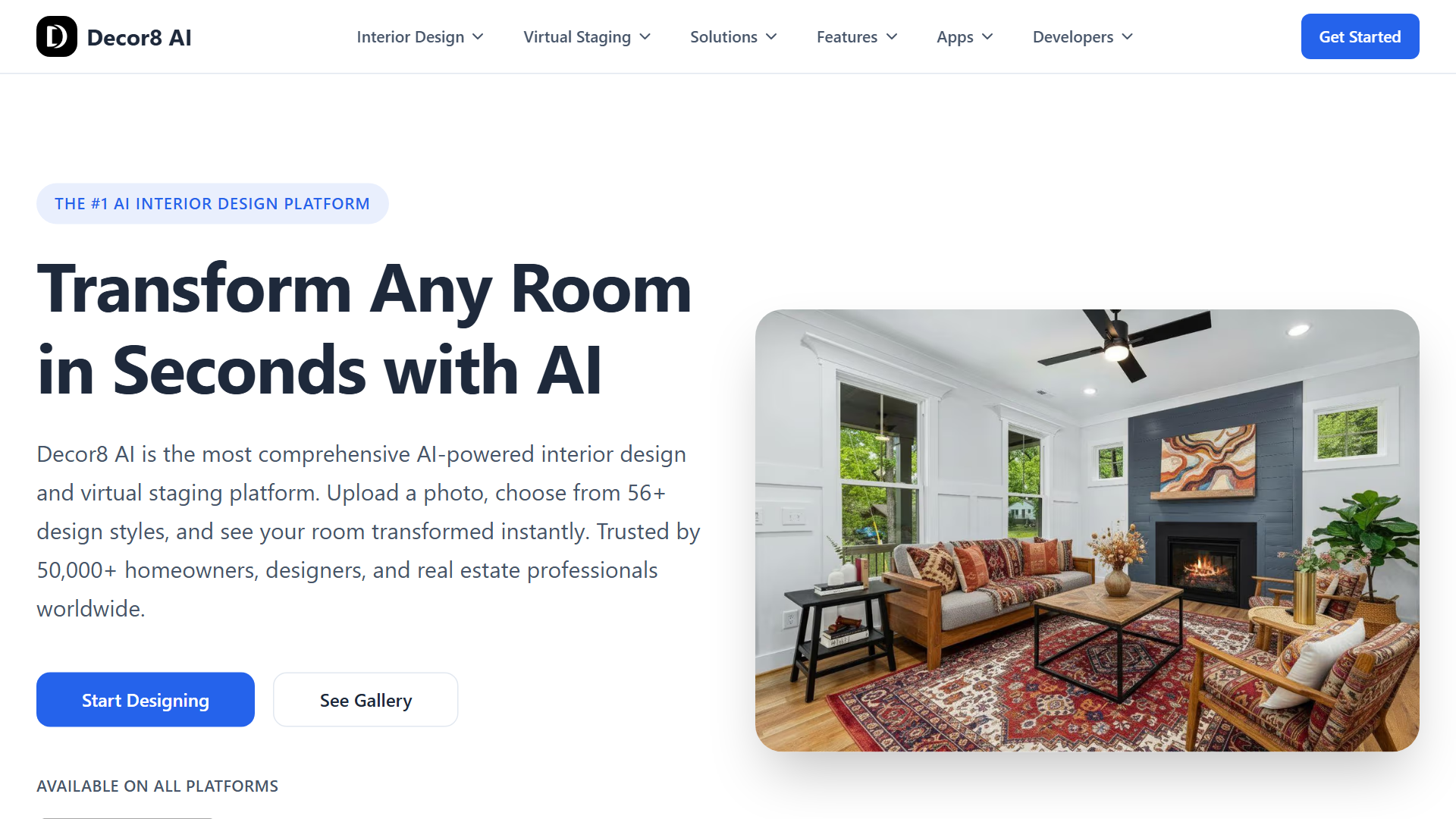
Decor8 AI provides two free images with text prompt input for custom designs. Instead of selecting preset styles, you type descriptions like "cozy Scandinavian living room with neutral tones" and the AI generates matching furniture and decor.
Free tier: 2 images, text prompt input, watermark, paid plans start at $29/month for commercial use Best for: Agents comfortable with AI tools who want custom staging looks
Quality depends heavily on prompt clarity and photo lighting. Vague prompts like "nice living room" produced generic results with mismatched furniture styles. Specific prompts like "modern coastal living room with white sectional sofa, driftwood coffee table, and blue accent pillows" generated more cohesive designs.
The learning curve is steeper than preset-based tools. You need to understand interior design terminology and spatial relationships to write effective prompts. However, the customization potential is higher. When we wrote detailed prompts describing exact furniture pieces, colors, and layouts, Decor8 AI produced results that matched our vision more closely than any preset-based tool.
Processing takes 30-60 seconds per image. Watermarks appear across the center of the image, making them unusable for listings without upgrading. Commercial licensing requires the $29/month plan, which includes 50 images and priority processing.
Decor8 AI works best for agents who already use AI tools like ChatGPT or Midjourney. If you're comfortable writing prompts and iterating on results, the customization options justify the learning curve.
GoEdit: Pay-Per-Image with Free Credits
GoEdit offers four free credits (two staged images) via referral links, then switches to a $2-per-image pay-as-you-go model with no monthly subscription. The pricing structure suits photographers or agents with sporadic staging needs.
Free tier: 4 credits (2 images) via referral, then $2/image pay-as-you-go Best for: Photographers or agents with sporadic staging needs (no subscription)
Batch processing handles multiple rooms simultaneously, which saves time on whole-home listings. Neutral versus luxury presets let you choose staging intensity. Neutral adds minimal furniture for clean looks, while luxury fills rooms with high-end pieces and decor.
Manual mode lets you write custom prompts for tricky angles or specific furniture requests. When we tested it on the awkward bedroom corner, manual mode let us specify "place bed against the long wall, add nightstands on both sides, no furniture in the corner." The AI followed instructions accurately, avoiding the placement errors automated mode made.
Processing takes 2-5 minutes per image in automated mode, 10-15 minutes in manual mode. Resolution caps at 2048x1536, which exceeds MLS minimums and looks sharp on listing sites. No watermarks appear on paid images, and commercial use is included in the $2 price.

The pay-per-image model works well if you stage fewer than 10 rooms monthly. Above that threshold, subscription services offer better value. However, the lack of monthly commitment and low per-image cost make GoEdit ideal for agents who stage occasionally or photographers offering staging as an add-on service.
AgentLens: 10 Free Credits via Chrome Extension
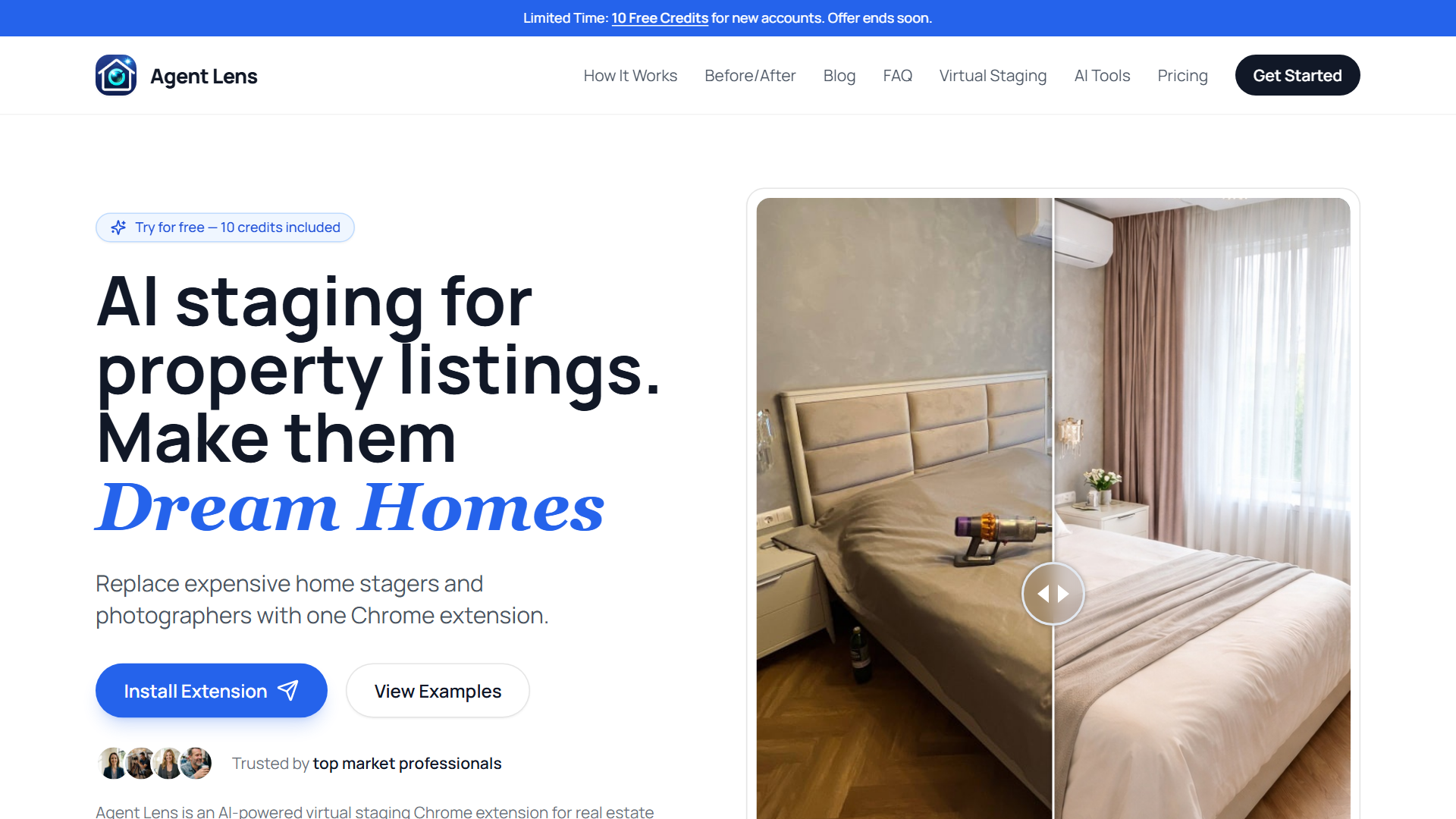
AgentLens gives new users 10 free credits on signup, with one credit equal to one staged image. No credit card required to claim them. Install the AgentLens Chrome extension, sign in with Google, and the credits land in your account.
Free tier: 10 credits on signup, no card required, no brand watermark on exports Best for: Realtors who want to test multiple staging styles on real listing photos before committing to a paid plan
The product is Chrome-only: the side-panel UI handles upload, style picker, and download. There is no separate web staging interface or mobile app. Authentication runs through Google OAuth, so signup is one click after install.
Style coverage spans four categories with 11 presets total. Classic Mode is the universal staging preset. Virtual Declutter removes clutter while keeping existing furniture. Curb Appeal Pro cleans up exterior shots with sky and lawn replacement. Magic Eraser strips all furniture for empty-room demos. Kitchen Remodel and Interior Renovation handle dated finishes. Exterior Makeover does full curb-appeal renovations. For occupied-room staging, the design presets are Organic Modern, Mid-Century Modern, Modern Farmhouse, and Warm Maximalism. Each preset has its own prompt template under the hood.
Batch processing handles multiple photos in parallel up to a 10 MB-per-image cap. You can add per-image comments (e.g., "place bed against the long wall") to refine the AI output. Completed jobs download individually or as a ZIP.
After the 10 free credits, paid plans start at $9.90/month for 50 credits (Starter), $19.90/month for 150 credits (Pro), or $50/month for 500 credits (Business). Yearly billing saves 20%. Credits reset each billing cycle and do not roll over. There is no unlimited plan, so AgentLens fits agents who can predict their monthly staging volume.
What Free Tools Can't Do (and When to Upgrade)
Free tiers rarely allow commercial MLS use without watermarks. Resolution caps at 1080p may not meet broker photo standards, especially for luxury listings where image quality signals property value. Limited style consistency across multiple rooms in the same listing creates a disjointed look that buyers notice.
Priority support and revision options don't exist on free plans. When an AI-generated image has a furniture placement error or unrealistic lighting, free users can't request fixes. You either accept the output or pay for a new render.
According to NAR research, 83% of buyer agents say staging helps visualization. Quality matters because buyers form opinions within seconds of viewing a listing photo. A poorly staged image with obvious AI artifacts or watermarks signals low effort, which buyers interpret as a red flag about the property itself.
When you outgrow free tiers from other tools, AgentLens sits in the credit-subscription middle ground. The Starter plan is $9.90/month for 50 credits, Pro is $19.90/month for 150 credits, and Business is $50/month for 500 credits. There is no unlimited plan, so AgentLens fits agents who can predict their monthly staging volume rather than agents staging 100+ rooms a month.
The 10 free credits give you enough room to stage one full listing of a typical 8-10 room home before any payment decision. Installation is through the Chrome extension only. Sign in with Google, upload photos in the side panel, pick a style, download results. Batch processing and per-image comments are included on every tier.
Free tools work for practice, client consultations, or low-stakes rentals. However, MLS listings, luxury properties, and competitive markets require professional-quality images that free tiers can't deliver. The break-even point sits around three staged listings per month. Below that, pay-per-image services make sense. Above it, subscriptions save money and deliver better results.
How to Get MLS-Ready Results from Free Tools
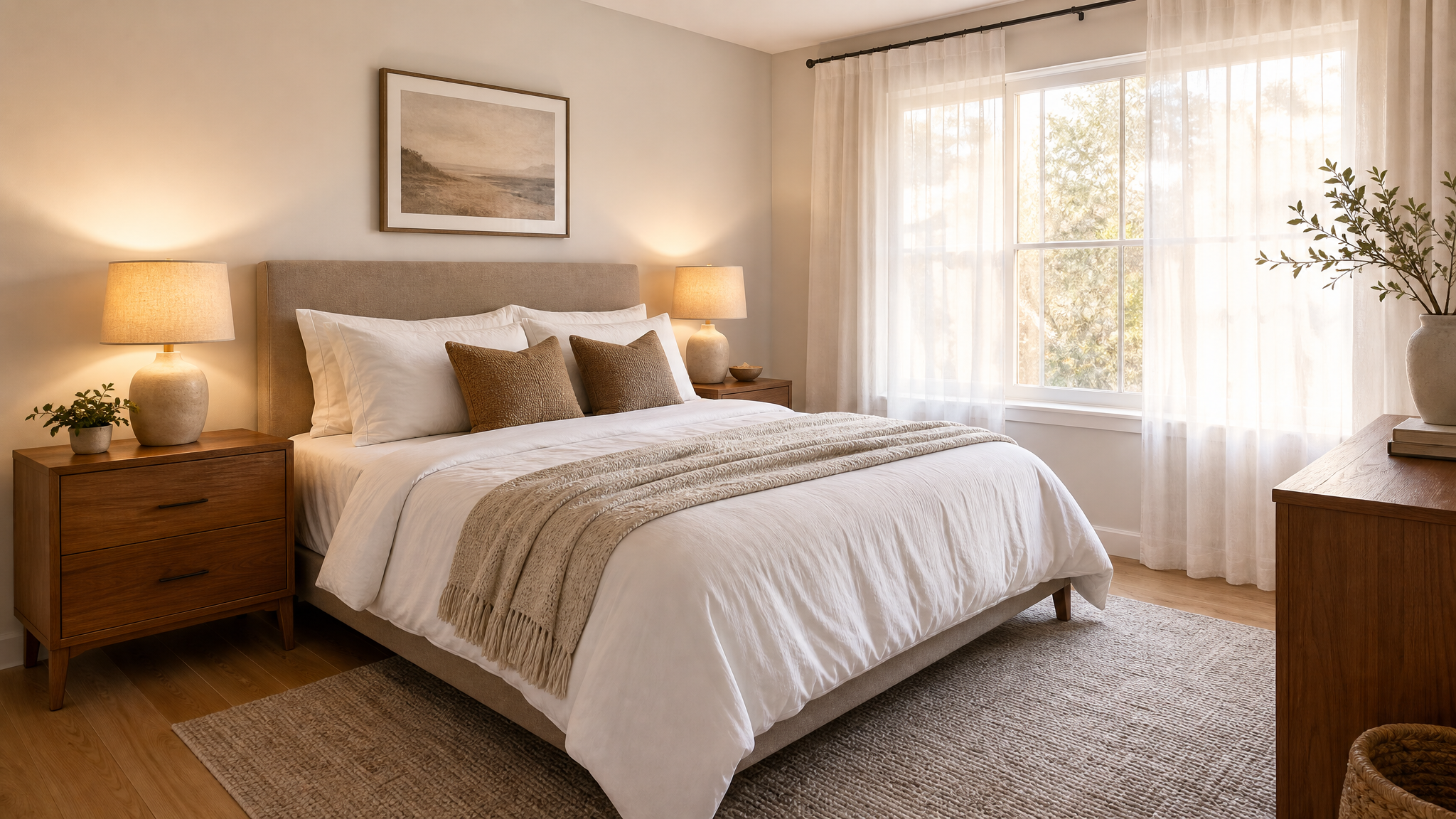
Start with high-resolution, well-lit photos. Natural light produces the most realistic staging results. Shoot during golden hour (early morning or late afternoon) when sunlight is soft and warm. Avoid harsh overhead lighting or mixed lighting sources that create competing shadows.
Shoot straight-on angles, not extreme wide-angle distortions. Most AI staging tools struggle with fisheye lenses or dramatic perspectives. Stand at normal eye level (5-6 feet off the ground) and frame the room so walls appear vertical, not tilted. This helps the AI understand room dimensions and place furniture accurately.
Test 2-3 free tools on the same room to compare quality. Different platforms excel at different styles and room types. One tool might handle modern living rooms perfectly but struggle with traditional bedrooms. Testing multiple options lets you identify which platform works best for your specific property types.
Check your MLS photo requirements before uploading. Some markets prohibit virtual staging entirely, while others require specific disclosure language. Most MLSs mandate a "virtually staged" watermark or caption on staged photos. Verify rules with your local board to avoid compliance issues.
Always disclose virtual staging in listing descriptions. NAR ethics guidelines require transparency when photos are digitally altered. Include language like "Some photos are virtually staged to show potential" in your listing description. Buyers appreciate honesty, and proper disclosure protects you from complaints or legal issues.
When we followed these guidelines with free tools, output quality improved dramatically. The same room photo that generated floating furniture with poor lighting produced realistic results when shot properly. Input quality matters more than the tool itself.
Free Virtual Staging vs Paid Services: Real Cost Comparison
Physical staging costs $1,000-$5,000 per property with 2-week setup times. Stagers rent furniture, transport it to the property, arrange rooms, then remove everything after the listing sells. That investment makes sense for luxury properties or slow-moving inventory, but it's overkill for most listings.
Free AI tools cost $0 for 2-5 test images but come with watermarks and commercial use limits. They work for practice, client consultations, or testing whether virtual staging fits your workflow. However, they're rarely suitable for actual MLS listings without upgrading.
Paid AI tools range from $15-$69 per image with 24-48 hour turnaround and commercial use rights. Subscription services like AgentLens use a credit model: $9.90/month for 50 credits (Starter), $19.90/month for 150 credits (Pro), or $50/month for 500 credits (Business). Pay-per-image services like GoEdit charge $2-$15 per render with no monthly commitment.
The break-even calculation is straightforward. If you stage three or more listings monthly, subscriptions save money compared to pay-per-image services. If you stage occasionally (once or twice per quarter), pay-per-image models avoid wasted subscription fees.
Free tools work for practice or low-stakes rentals where photo quality matters less. Paid tools are necessary for competitive markets, luxury listings, or any property where staging quality impacts sale price or time on market. According to NAR data, staged homes sell 73% faster than non-staged ones, which justifies the staging investment.
When we calculated total costs across 10 listings, free tools saved money upfront but required more time per listing due to quality issues and limited exports. Paid subscriptions cost more initially but delivered consistent results with less hands-on work, saving hours of editing and re-staging time.
FAQ
Do I need to disclose virtual staging in MLS listings?
Yes. NAR ethics guidelines require disclosure when photos are virtually staged. Most MLSs mandate a "virtually staged" watermark or caption. Check your local MLS rules, as some markets prohibit virtual staging entirely or require specific disclosure language. Failure to disclose can result in complaints, fines, or listing removal.
Can free virtual staging tools handle exterior photos?
Most free tools focus on interior rooms. Exterior staging (landscaping, curb appeal improvements) typically requires paid plans. GoEdit and Apply Design offer limited exterior staging, but quality is inconsistent compared to interior results. Exterior staging is more complex because AI must understand outdoor lighting, seasonal vegetation, and architectural styles.
Will buyers be upset if they see virtually staged photos?
Not if properly disclosed. A 2024 NAR survey found 51% of buyers appreciate virtual staging when clearly labeled, as it helps them visualize potential. Problems arise only when staging isn't disclosed or looks unrealistic. Buyers expect honesty in listings. Proper disclosure builds trust and prevents disappointment during showings.
How long does free virtual staging take?
AI tools process images in 10 seconds to 10 minutes per image. Manual tools like Stuccco take 24 hours because human designers review layouts. Physical staging requires 1-2 weeks for scheduling, furniture rental, and setup. Free tiers often have slower processing than paid plans due to lower priority in processing queues.
Can I use free virtual staging for commercial listings?
Rarely. Most free tiers restrict commercial use or add watermarks that violate MLS photo standards. Read each platform's terms carefully before uploading staged photos to MLS or marketing materials. Commercial MLS use typically requires a paid plan with proper licensing. Unauthorized commercial use can result in account suspension or legal issues.
Free Real Estate Tools
Explore our free calculators and AI tools for agents:
Transform Your Listings with AI
Apply professional virtual staging and enhancements in seconds. Start transforming your listings today.
Explore Virtual Staging Options
Start with our most popular room & style combinations: