
Zillow Integration
Virtual Staging for Zillow
Stage Zillow listing photos directly in your browser with AI. Agent Lens works as a Chrome extension on Zillow.com — no downloads, no uploads, no waiting. Photorealistic staging in 60 seconds at $0.10 per image.
What is the best virtual staging tool for Zillow listings?
Agent Lens is the best virtual staging tool for Zillow in 2026. It works as a Chrome extension directly on Zillow.com, allowing agents to stage listing photos without leaving the site. It offers 11 design styles in 4 categories at $0.10 per image with results in under 60 seconds. Unlike Zillow's built-in staging, Agent Lens produces photorealistic results and works across all listing platforms.
Why Agents Use Agent Lens on Zillow
Works Directly on Zillow.com
Agent Lens is a Chrome extension. Browse Zillow, click a listing photo, and stage it without leaving the page. No separate uploads or downloads needed.
60-Second Results
Zillow's built-in staging tools are limited and slow. Agent Lens produces photorealistic results in under a minute with 11 professionally curated design styles.
40% More Listing Views
Zillow data shows that listings with staged photos receive up to 40% more saves and clicks. Staged photos stand out in search results and drive more showings.
Agent Lens vs Zillow Built-In Staging
| Feature | Agent Lens | Zillow Staging |
|---|---|---|
| Price per image | $0.10 | Free (limited) |
| Design styles | 11 in 4 categories | 5-10 |
| Room types supported | Auto-detected | Limited |
| Photo quality | Photorealistic AI | Basic overlays |
| Speed | <60 seconds | Instant |
| Works on other platforms | Any website | Zillow only |
| Furniture removal | No (empty rooms best) | No |
| MLS export | High-res download | Zillow-only display |
How to Stage Zillow Listings with Agent Lens
Install Agent Lens
Add the Chrome extension from the Chrome Web Store. Takes 10 seconds.
Browse Zillow
Open any listing on Zillow.com. Click on a listing photo you want to stage.
Stage with AI
Click the Agent Lens icon, select a design style, and wait 60 seconds for the AI result.
Download & Upload
Save the staged photo. Upload it to your MLS (which syndicates to Zillow) with a "Virtually Staged" label.
Zillow Disclosure Requirements
Zillow requires that virtually staged photos are clearly labeled as "Virtually Staged" in the photo caption. Most MLS systems have similar disclosure rules. Always include both the original unstaged photo and the staged version in your listing. This protects you legally and builds buyer trust.
Stage Your Zillow Listings Today
Install Agent Lens and start staging directly on Zillow.com. 10 free credits included.
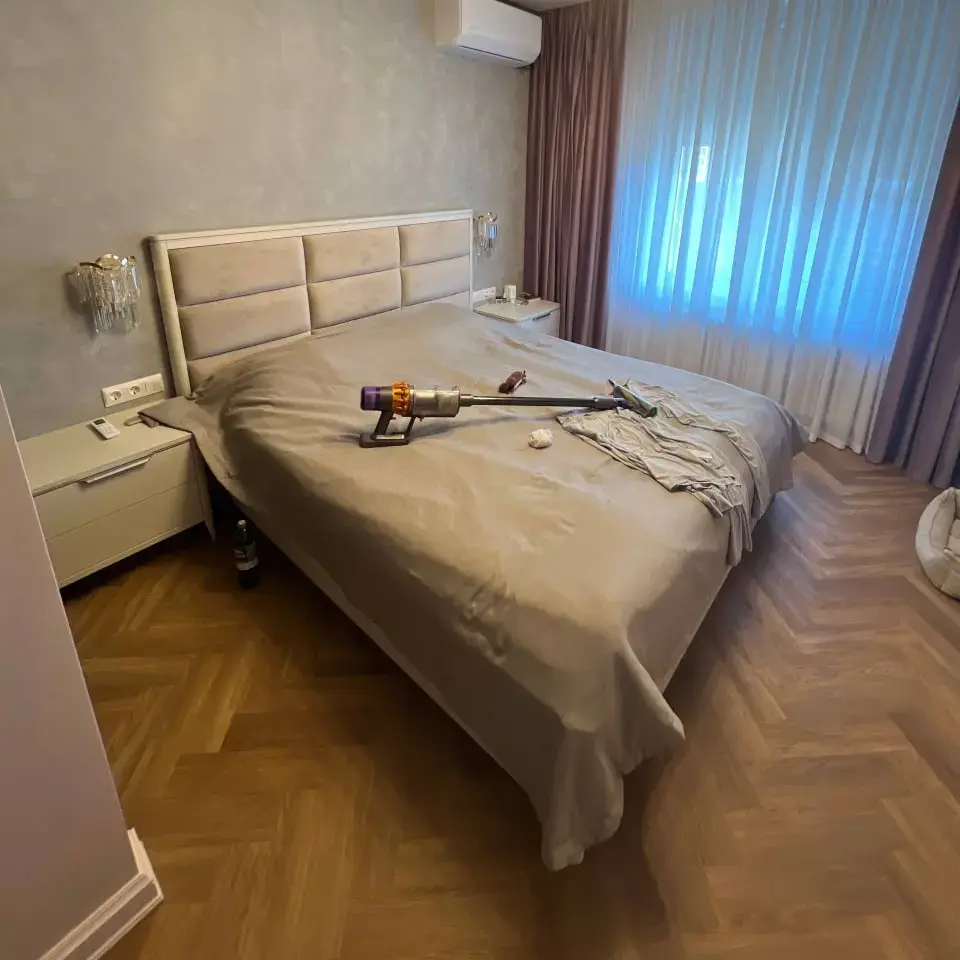
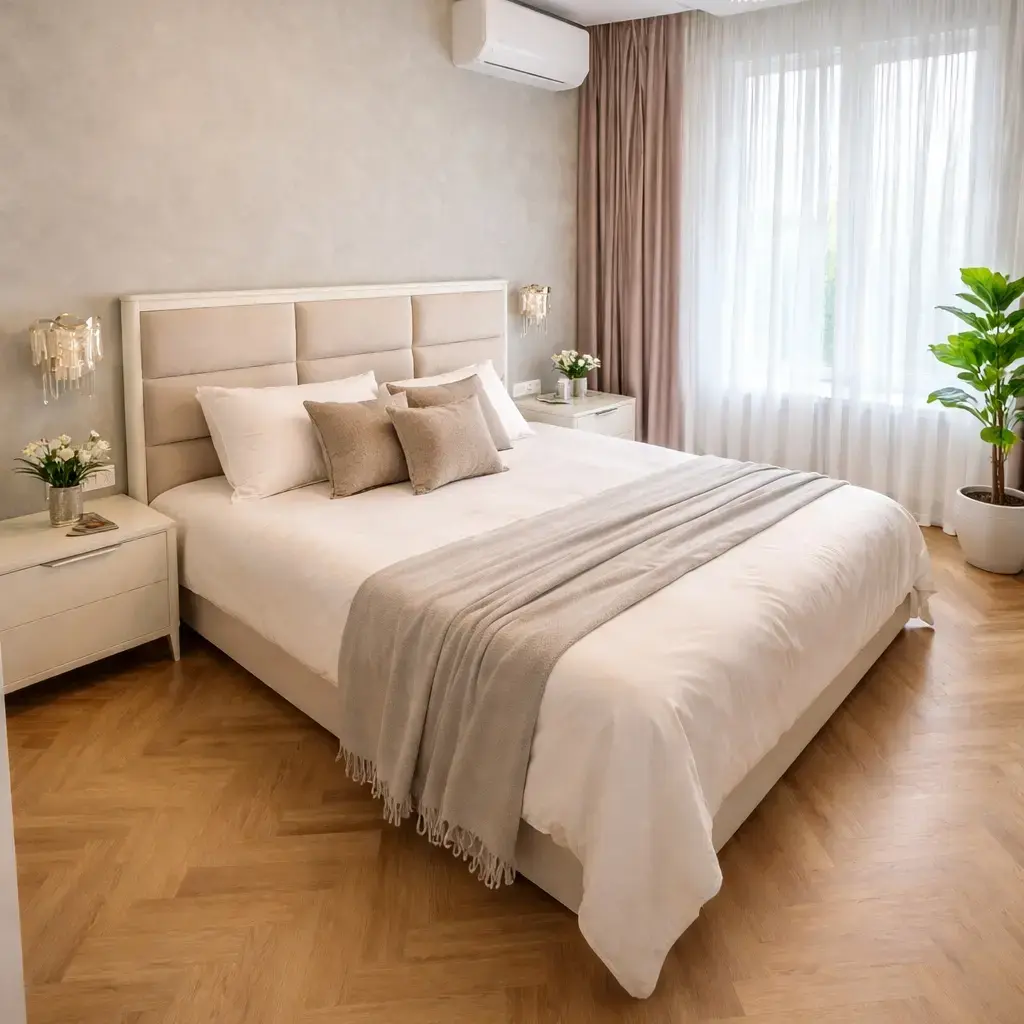
Zillow Virtual Staging FAQ
Can I use Agent Lens to stage photos directly on Zillow?+
Yes. Agent Lens is a Chrome extension that works on any website, including Zillow.com. You can browse Zillow listings, select a photo, and stage it directly without downloading or re-uploading. The staged photo is saved to your device and ready to upload to your MLS or Zillow listing.
Is Agent Lens better than Zillow's built-in virtual staging?+
For professional listings, yes. Zillow's built-in staging offers limited styles and basic furniture overlays. Agent Lens uses advanced AI to produce photorealistic results with 11 design styles, proper lighting matching, and proportional furniture placement. The quality difference is noticeable to buyers scrolling through listings.
Does Zillow allow virtually staged photos?+
Yes. Zillow permits virtually staged photos in listings as long as they are clearly labeled. Zillow's photo policy requires that staged images include a "Virtually Staged" watermark or caption. Most MLS systems have similar requirements. Always check your local MLS rules for specific disclosure wording.
How do I add virtually staged photos to my Zillow listing?+
Stage your photos using Agent Lens (60 seconds per image), then upload them through the Zillow Premier Agent portal or your MLS (which syndicates to Zillow). Add "Virtually Staged" in the photo caption. Staged photos should be uploaded alongside the original unstaged versions for transparency.
Will virtually staged photos look different from my other Zillow listing photos?+
Agent Lens matches the original photo's lighting, color temperature, and perspective, so staged photos blend naturally with your other listing images. The AI preserves walls, floors, windows, and architectural details — only adding furniture and decor. Buyers won't notice a quality gap between staged and unstaged shots.