

AI Lawn & Landscape Enhancement for Real EstateVirtual Lawn Enhancement
Transform brown, patchy, or dormant lawns into lush, green landscapes. Enhance landscaping, add greenery, and boost curb appeal in listing photos instantly.
How It Works
Upload Exterior Photo
Upload a photo showing the property's lawn and landscaping.
AI Enhances the Landscape
The AI identifies lawn areas and enhances them — greening grass, filling patches, and enriching existing landscaping.
Download Enhanced Photo
Get a photo with picture-perfect curb appeal, ready for your listing.
Use Cases
Dormant Winter Lawns
Brown winter grass makes homes look neglected. Green it up digitally for listings that go live during cold months.
Drought-Affected Properties
Western and southern properties often have dry, brown lawns. Show buyers how the property looks at its best.
New Construction Sites
Fresh sod hasn't grown in yet? Enhance the patchy new lawn to show the home's future curb appeal.
Foreclosure & REO Properties
Neglected lawns on bank-owned properties deter buyers. Virtual lawn enhancement helps these listings compete.
Benefits
About Virtual Lawn Enhancement
First impressions matter, especially in real estate. A patchy, brown lawn can instantly devalue a property and deter potential buyers. Agent Lens's Lawn Enhancement feature utilizes cutting-edge AI to transform lackluster lawns into lush, inviting green spaces – all with a few simple clicks. For years, agents in competitive markets like Beverly Hills and the Hamptons have struggled with the challenge of properties exhibiting less-than-perfect curb appeal. Traditional solutions involve expensive landscaping, time-consuming reseeding, or even artificial turf installation, often exceeding the budget and timeline of a typical listing prep. This often leads to delayed listings, lower initial offers, and increased frustration for both the agent and the seller. Lawn Enhancement eliminates these hurdles by providing a fast, affordable, and visually stunning solution that truly changes the game for real estate marketing.
Essentially, Agent Lens's virtual lawn enhancement couldn't be easier. Simply upload a photo of the property's lawn, and our AI gets to work. The advanced algorithms analyze the existing lawn conditions, including bare patches, discoloration, and weed infestation. Next, the AI intelligently fills in these imperfections, adding realistic texture, vibrant color, and even subtle variations in grass height to create a natural-looking, healthy lawn. You have the ability to fine-tune the enhancement by adjusting the intensity of the green, adding more or less density, and even selecting from various grass types to match the desired aesthetic. Within seconds, you receive a high-resolution image ready for use in your marketing materials.
Consider, for example, a scenario we saw play out in Palo Alto recently. A listing featuring a beautiful Eichler home was struggling to generate interest due to its drought-stressed lawn. After implementing the AI lawn enhancement on Agent Lens, the listing photos were completely transformed. The refreshed images showcased a vibrant, welcoming yard, significantly increasing online engagement. Within a week, the property received multiple offers and ultimately sold above the asking price. This is just one example of how real estate lawn enhancement can directly impact buyer interest and accelerate the sales process. The ability to present a property in its best light, regardless of current conditions, is a powerful tool for any agent.
Compared to costly and time-consuming traditional lawn care methods, our AI lawn enhancement offers unparalleled efficiency and value. Hiring a landscaping company to reseed, fertilize, and maintain a lawn can easily run into the thousands of dollars and take weeks to achieve noticeable results. Furthermore, the outcome is never guaranteed, as weather conditions, soil quality, and other factors can significantly impact the success of the project. In contrast, virtual lawn enhancement delivers instant results at a fraction of the cost. There's no need to coordinate with contractors, worry about weather delays, or deal with the hassle of ongoing maintenance. The AI-powered approach provides a consistent, high-quality outcome every time, ensuring that your listings always look their best.
To get the most out of Agent Lens's lawn enhancement feature, keep a few key tips in mind. First, always start with the highest resolution photo possible. A clear, well-lit image will allow the AI to accurately analyze the lawn and produce the most realistic enhancement. Experiment with different enhancement levels to find the perfect balance between natural appearance and visual appeal. Finally, be sure to clearly disclose that the lawn has been virtually enhanced in your listing description to maintain transparency and build trust with potential buyers. Showcasing before-and-after images can be an even more impactful way to demonstrate the transformative power of our real estate lawn enhancement on your listings and marketing efforts.
Getting the Most from This Feature
Optimal Input Photo
For best results, ensure your input photo is well-lit and taken on a clear day. Avoid shots with harsh shadows or excessive glare. Closer shots that allow for detailed analysis of the existing grass tend to yield more realistic enhancements. Use a high-resolution camera or smartphone to capture the image. A clear, sharp photo allows the AI to accurately identify imperfections and seamlessly blend the enhanced grass with the existing surroundings.
Client Presentation
When showcasing the results of the lawn enhancement to clients, emphasize the increased curb appeal and how it can attract more potential buyers. Present the before-and-after images side-by-side to visually demonstrate the transformation. Highlight the cost and time savings compared to traditional lawn care methods. Position the AI lawn enhancement as a strategic marketing tool that can help them sell their property faster and for a higher price.
Workflow Integration
Integrate the lawn enhancement feature seamlessly into your existing listing marketing workflow. After taking photos of the property, immediately upload them to Agent Lens and apply the enhancement. Save the enhanced images to your listing folder and use them in your online and print marketing materials. By incorporating this step early in the process, you can ensure that all your marketing materials reflect the enhanced curb appeal of the property.
Before/After Strategy
Leverage the power of before-and-after comparisons in your marketing materials. Create visually compelling graphics that showcase the dramatic transformation achieved through the lawn enhancement feature. Share these comparisons on social media, in email campaigns, and on your website to attract attention and generate leads. Use these visuals to highlight the value you bring to clients by showcasing their properties in the best possible light.
Try Virtual Lawn Enhancement Free
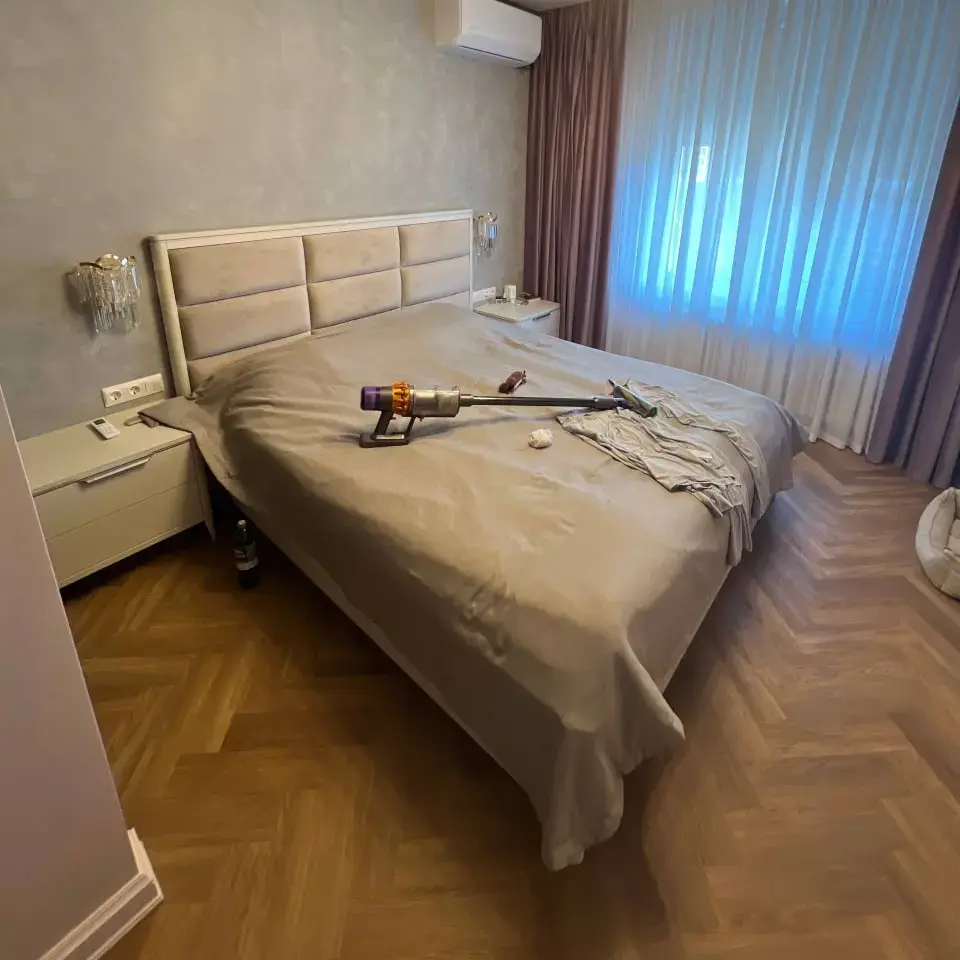
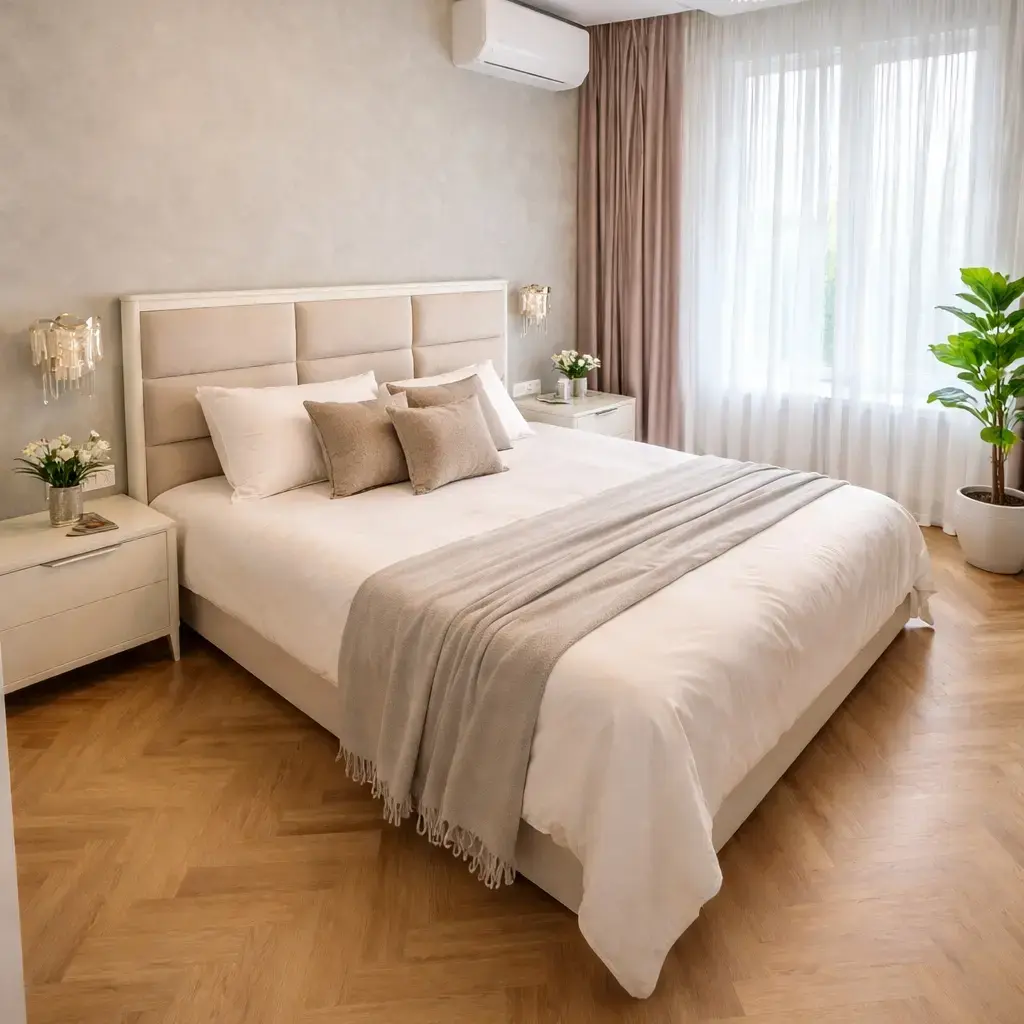
Transform empty rooms into stunning staged photos in 60 seconds.
Frequently Asked Questions
Can AI really make a brown lawn look green?
Yes. The AI identifies grass areas and adjusts color, saturation, and texture to create a natural-looking green lawn. It preserves shadows, edges, and the lawn's natural contours for realistic results.
Is lawn enhancement the same as adding virtual landscaping?
Lawn enhancement improves existing grass and plantings. Virtual landscaping can add new elements like bushes, flowers, and trees. Agent Lens focuses on enhancing what's already there for the most natural result.
Should I enhance the lawn or invest in actual landscaping?
For listings, virtual lawn enhancement at $0.10/image is the most cost-effective option. Professional landscaping costs $1,000-5,000+. If the seller plans to stay, real landscaping is worthwhile. For a quick sale, virtual enhancement delivers the curb appeal at a fraction of the cost.
Is it ethical to show an enhanced lawn in listings?
Virtual lawn enhancement is similar to shooting in favorable weather or seasons — it shows the property at its reasonable best. Agents should disclose that photos are enhanced, similar to any photo editing used in real estate marketing.
Other AI Features
Virtual Furniture Removal
Remove existing furniture from listing photos instantly using AI. Perfect for occupied homes where current furnishings don't match the target buyer aesthetic. Get clean, empty-room photos ready for virtual staging in seconds.
Learn moreVirtual Exterior Paint Visualizer
Instantly preview how a home would look with different exterior paint colors. Help sellers make paint decisions and show buyers the potential of a property — all without picking up a brush.
Learn moreVirtual Item Removal
Selectively remove unwanted items from listing photos — pet bowls, laundry baskets, trash cans, personal items, wall damage, and more. Clean up photos without a physical visit.
Learn moreVirtual Sky Replacement
Replace overcast, dull, or stormy skies with beautiful blue skies and golden sunsets. Dramatically improve curb appeal photos without waiting for perfect weather.
Learn moreVirtual Decluttering
Digitally declutter occupied homes for listing photos. Remove excess items, organize spaces, and present a clean, spacious environment that attracts buyers — without asking sellers to clean up.
Learn more