

What is the best way to Use Canva for Real Estate Marketing
In the fast-paced world of real estate, first impressions are everything. Your marketing materials – flyers, social media posts, and even your business cards – are often the first interaction potential clients have with you. They’re not just branding; they’re a direct reflection of your professionalism and attention to detail. In fact, agents with high-quality marketing materials convert leads at a rate significantly higher than those with subpar branding. As a new agent, you might lack a design team or a hefty marketing budget, but that doesn't mean you can't create stunning visuals. In this guide, we'll unlock the power of Canva, teaching you how to craft professional-grade marketing materials that attract clients and elevate your brand. We'll show you step-by-step how to use pre-made templates, customize them to your brand, and create assets that truly stand out. You'll soon be crafting marketing materials that compete with the best in the business, all without needing a design degree or breaking the bank.
How to Use Canva for Real Estate Marketing
Create professional flyers, social posts, and marketing materials with Canva templates.
Why This Matters
In the fast-paced world of real estate, first impressions are everything. Your marketing materials – flyers, social media posts, and even your business cards – are often the first interaction potential clients have with you. They’re not just branding; they’re a direct reflection of your professionalism and attention to detail. In fact, agents with high-quality marketing materials convert leads at a rate significantly higher than those with subpar branding. As a new agent, you might lack a design team or a hefty marketing budget, but that doesn't mean you can't create stunning visuals. In this guide, we'll unlock the power of Canva, teaching you how to craft professional-grade marketing materials that attract clients and elevate your brand. We'll show you step-by-step how to use pre-made templates, customize them to your brand, and create assets that truly stand out. You'll soon be crafting marketing materials that compete with the best in the business, all without needing a design degree or breaking the bank.
Expert Insight
Experienced agents know that generic Canva templates, while a great starting point, won't cut it in a competitive local market. The secret weapon is personalization that goes beyond just adding your logo. For example, instead of using stock photos, source high-quality images of local landmarks or community events. One savvy agent I know runs a monthly photo contest on social media, asking residents to submit their best shots of the neighborhood. She then uses the winning photo in her marketing materials, giving her content a genuine, hyper-local feel that resonates with the community and generates buzz. This strategy not only enhances the visual appeal but also fosters a sense of connection and authenticity, crucial for building trust in your target area.
Key Takeaways
- 1Master this skill to differentiate yourself from other agents in your market and build a reputation that generates consistent business.
- 2Practice makes perfect — implement these strategies consistently for at least 90 days before evaluating results.
- 3Combine this approach with technology tools like AI virtual staging and CRM automation to maximize your efficiency and impact.
How Agent Lens Helps
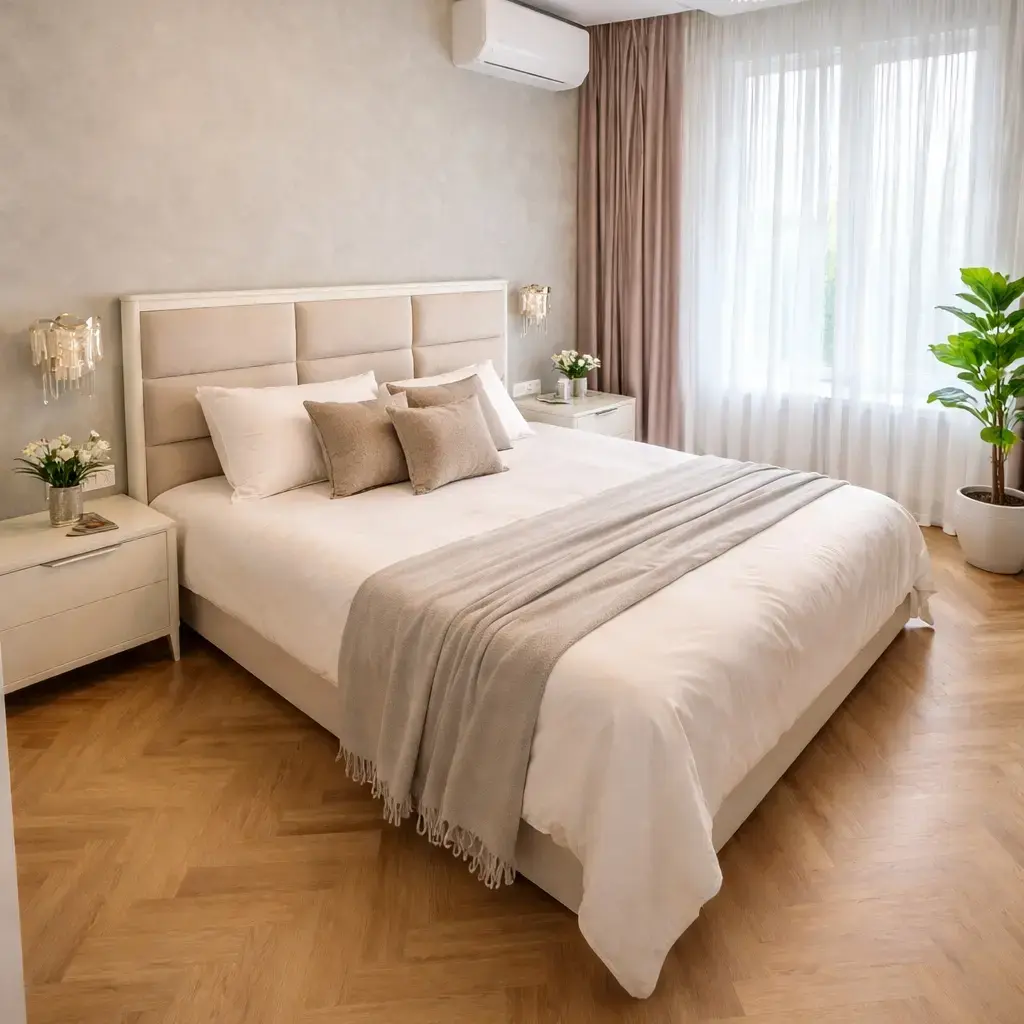
Whether you're winning listings, marketing properties, or impressing buyers, AI virtual staging gives you a competitive edge. Stage any room in seconds with 12+ design styles for just $0.10 per photo — the most affordable virtual staging on the market.
Complete the Look
Transform empty rooms into stunning staged photos in 60 seconds.

Related Guides
How to Create Just Listed/Just Sold Postcards
Design effective direct mail pieces that generate leads and establish neighborhood presence.
How to Build Your Personal Brand as a Realtor
Create a recognizable, trustworthy brand that attracts clients and sets you apart from competitors.
How to Create Real Estate Content
Content strategy for agents: blog posts, videos, social media, and email that attract and convert.
More Technology & Tools Guides
Guide to How to Use Canva for Real Estate Marketing
In the fast-paced world of real estate, first impressions are everything. Your marketing materials – flyers, social media posts, and even your business cards – are often the first interaction potential clients have with you. Imagine two scenarios: Agent A consistently puts out visually stunning, professional-looking content showcasing their listings and market expertise, crafted easily using Canva. They attract attention online, generate leads, and build trust immediately. Agent B, on the other hand, relies on basic, uninspired designs that fail to capture the essence of the properties they represent. Which agent do *you* think is going to close more deals? Learning how to use Canva for real estate effectively isn't just about aesthetics; it's about building a strong brand, generating leads, and ultimately, increasing your sales volume. It's an investment in your long-term success as a real estate agent.
Consequently, knowing how to use Canva for real estate effectively involves a structured approach. Start by creating a free account and exploring the vast library of templates specifically designed for real estate professionals. Begin with simple projects like creating a “Just Listed” flyer. Select a template, upload high-quality photos of the property, and customize the text with essential details like the address, price, and key features. Don't be afraid to experiment with different fonts, colors, and layouts to find a style that aligns with your brand. Next, branch out into social media posts, creating eye-catching graphics to promote open houses or share market updates. Dedicate at least 30 minutes each day to practicing and refining your skills. Within a week, you'll be amazed at how quickly you can create professional-looking marketing materials.
Notably, several common pitfalls can hinder success when learning how real estate agents use Canva for real estate. One major mistake is using low-resolution images. Blurry or pixelated photos can ruin the overall look of your designs. Always use high-quality images, and optimize them for web use to ensure they load quickly. Another common error is inconsistent branding. Using different fonts, colors, and logos across your marketing materials can create a disjointed and unprofessional image. Develop a clear brand style guide and stick to it. Finally, avoid overcrowding your designs with too much text or too many elements. Keep your designs clean, simple, and easy to read. Remember, less is often more. Learn to use Canva for real estate with intentionality.
Regarding measuring success, it's crucial to track the impact of your Canva-created marketing materials. Monitor engagement metrics on social media, such as likes, shares, and comments. Track website traffic and lead generation resulting from your online campaigns. Gather feedback from clients and colleagues on the visual appeal and effectiveness of your designs. Ask yourself: Are my flyers generating more calls? Are my social media posts attracting more followers? Are clients impressed with the professionalism of my marketing materials? By tracking these metrics and gathering feedback, you can identify what's working well and what needs improvement. This data-driven approach will help you refine your design skills and maximize the impact of your marketing efforts.
As your career progresses, scaling your Canva skills is essential for continued growth. Explore advanced features like creating animated videos and interactive PDFs. Consider investing in a Canva Pro subscription for access to premium templates, fonts, and stock photos. Collaborate with a professional graphic designer to develop a custom brand template that reflects your unique style and personality. Delegate design tasks to a virtual assistant or team member to free up your time for other essential activities. Most importantly, stay up-to-date with the latest design trends and Canva features by attending webinars, reading blog posts, and following industry experts on social media. By continuously learning and adapting, you can maintain a competitive edge and elevate your marketing to the next level, all while continuing to effectively use Canva for real estate.
Expert Tips
Quick Start Action
Open Canva right now. Search for “real estate flyer” and choose a template that resonates. Replace the placeholder text and images with your own listing information and property photos. Download the flyer as a high-resolution PDF and share it on your social media channels. This simple exercise will give you a taste of how easy it is to create professional-looking marketing materials with Canva, and get you started on your journey to using Canva for real estate effectively.
Time Management Hack
Batch your Canva design tasks. Set aside a specific time each week, say one hour on Monday mornings, to create all your social media posts, flyers, and email templates for the week. This will help you stay organized and avoid feeling overwhelmed. Use Canva's scheduling feature to automate the posting of your social media content, freeing up even more of your time. Efficient time management is key to successfully learning how to use Canva for real estate.
Accountability System
Partner with another real estate agent and hold each other accountable for consistently using Canva for marketing. Set weekly goals, such as creating two new social media graphics or updating one flyer. Share your designs with each other for feedback and support. Celebrating each other's successes will help you stay motivated and on track. A strong accountability system makes it easier to use Canva for real estate on a more consistent basis.
Advanced Technique
Create a virtual tour video using Canva. Upload short video clips of different rooms in a property. Add text overlays with descriptions and music to create a compelling virtual tour. Share the video on your website, social media channels, and in your email marketing campaigns. This is a great way to showcase properties to potential buyers who are unable to attend in-person showings. Consider using AI video tools in conjunction with Canva. This demonstrates an advanced use of Canva for real estate that will set you apart.
Tech Tool Advantage
Integrate Canva with your CRM (Customer Relationship Management) system. Many popular CRMs, such as Follow Up Boss and LionDesk, offer integrations with Canva, allowing you to seamlessly access your Canva designs from within your CRM. This simplifies the process of creating and sharing marketing materials with your leads and clients. Using this integration makes it easier than ever for a busy real estate agent to use Canva for real estate.