

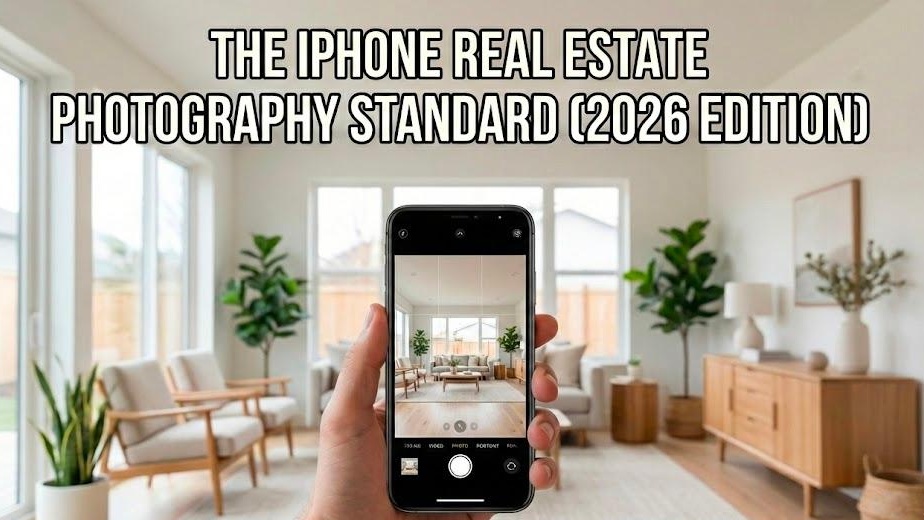
1. The New Reality: Speed Wins
In 2026, the "Old Way" of real estate marketing is a liability. Waiting 48 hours for a photographer to send back edits is 48 hours of missed leads. Today, the most successful agents act as their own media houses.
By mastering the iPhone 16 Pro and AI post-production, you aren't just saving money—you’re shortening your Time to Market (TTM). You can shoot a house at 10 AM and have a fully staged, professional listing live by lunch.
The ROI of Going Mobile:
Slash Costs: Move from $300/listing to under $5.
Total Control: No more "ghosting" from photographers or delays on revisions.
Instant Momentum: Capture the "Coming Soon" vibe while you’re still at the listing presentation.
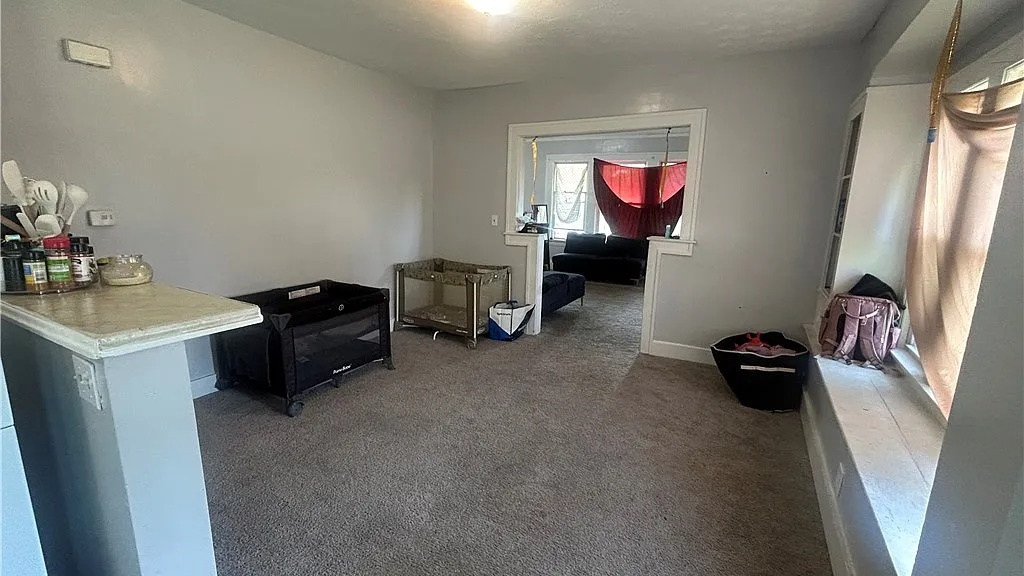
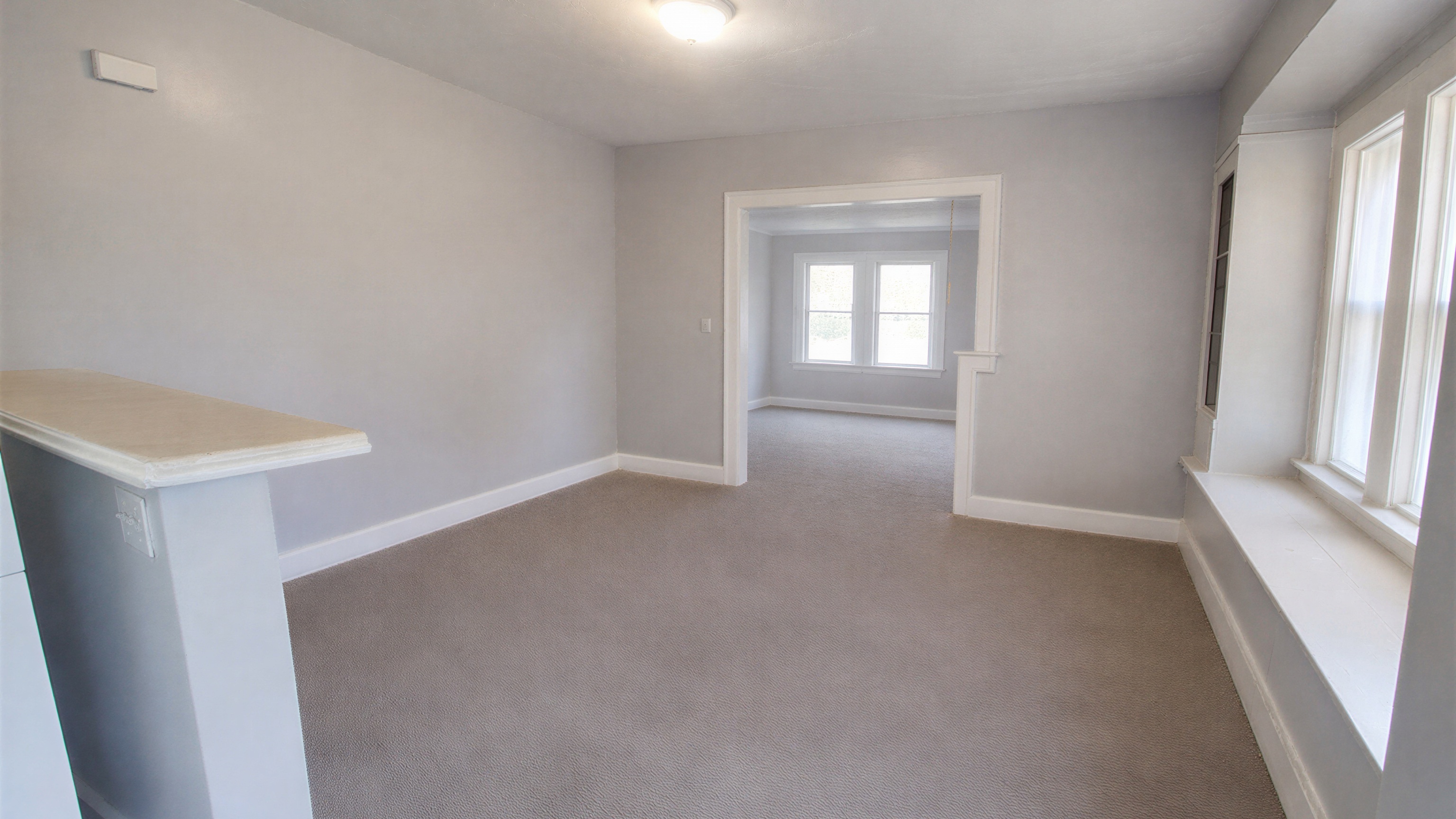
The $0.10 Transformation: iPhone 16 Pro with Agent Lens AI vs. Basic Mobile Photo
2. Hardware: Your iPhone is a $3,000 Rig
The iPhone 16 Pro isn't a phone; it's a computational imaging beast. But it only works if you stop using it like a "civilian."
The 48MP Fusion Sensor: Stop shooting in standard 12MP. Enable HEIF Max in your settings. This gives you the resolution of a pro camera, allowing you to crop into a kitchen shot without losing the texture of the marble.
The Camera Control Button: Use the new tactile side button. Tapping the screen to take a photo causes "micro-jitter." Using the physical button keeps the frame locked and sharp.
The Ultra-Wide (0.5x) Trap: Great for tiny bathrooms, but it distorts edges. Always keep your phone dead level when using this lens, or the walls will look like they’re melting.
3. The "Pro-Mode" Checklist
Before you step out of your car, your phone needs to be "locked and loaded." Configure these once and never touch them again.
Setting | Action | Why? |
|---|---|---|
Grid & Level | ON | To stop "crooked house" syndrome. |
Lens Correction | ON | Fixes the "bowing" effect of the wide lens. |
ProRAW/HEIF Max | ON | Captures the data needed for AI to "fix" shadows. |
Preserve Exposure | ON | Keeps your lighting consistent from room to room. |
Pro Tip: Wipe your lens. Every single time. Pocket lint is the #1 cause of "hazy" amateur photos.
4. Composition: Shoot from the Chest
Stop shooting from eye level. It makes rooms look small and ceilings look oppressive.
The 4-Foot Rule: Hold the phone at chest height (about 48 inches). This balances the floor and ceiling, making the space feel loftier and more expensive.
The Three-Wall Anchor: Back into a corner. Aim to see three walls. This gives the viewer a sense of "volume" that a flat-on shot can't match.
Verticals are Holy: If your door frames aren't perfectly straight up and down, the photo is a fail. Use the built-in level until the line turns green.
5. Lighting: The "Naturalist" Protocol
The "orange glow" of old-school real estate photos is dead. 2026 buyers want crisp, clean, daylight-driven images.
Lights OFF: Turn off every lamp and overhead light. They create ugly yellow "hot spots."
Blinds UP: Let the sun do the work.
The HDR Tap: If the window is too bright (blown out), tap the window on your screen and slide the "sun" icon down. The iPhone’s Brain will merge the dark room and the bright window into one perfect shot.
6. The Agent Lens Edge: AI Post-Production
Taking the photo is only 50% of the job. The "magic" happens in the cloud. While legacy services like BoxBrownie take 24 hours and charge $24, Agent Lens does it for $0.10 in seconds.
Virtual Staging: Don't pay $2,000 for a furniture rental. Use Agent Lens to drop modern, scale-accurate furniture into an empty room.
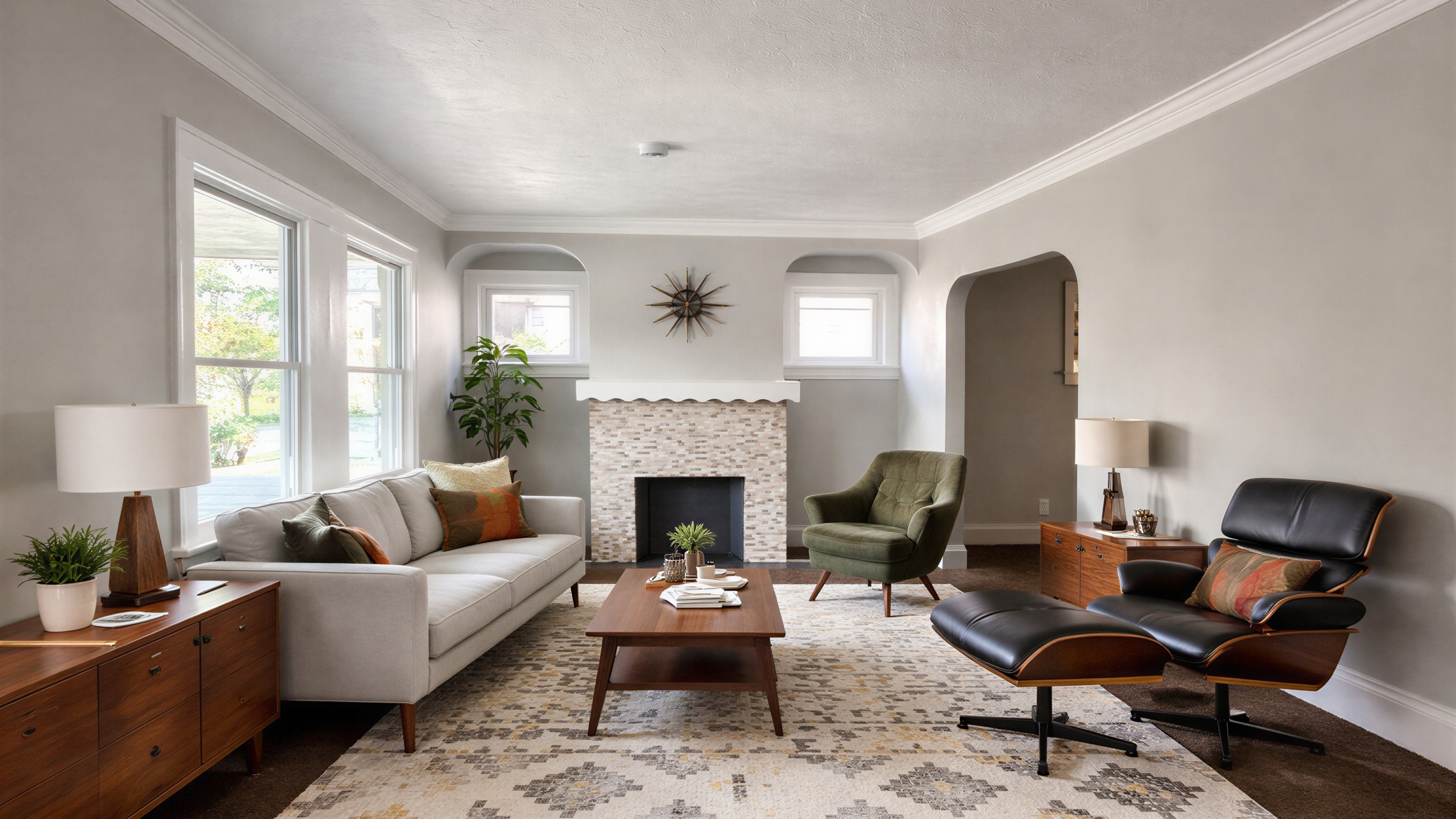
Virtual Declutter: Tenant left laundry on the bed? Don't touch it. Snap the photo and let the AI "wipe" the room clean.
Day-to-Dusk: Turn a boring Tuesday afternoon exterior into a high-end "Twilight" shot. This is your "Hero Image"—it’s the one that gets the clicks.
Comparison at a Glance:
Legacy Editors: $1.60 - $24.00 per image | 24-48 hour wait.
Agent Lens: $0.10 per image | Instant AI results.
7. The 10-Minute Workflow
The Sweep: Walk through, open blinds, turn off lights, close toilet lids.
The Capture: Shoot the exterior, then follow the "buyer’s path" from the front door to the master suite.
The Cull: Delete the blurs in the car.
The Boost: Upload your best 20 shots to Agent Lens. Apply "Enhance" to all and "Virtual Stage" the living room.
The List: Download the pro-grade files and hit the MLS.
Summary: Your Pocket is Your Profit
The days of being held hostage by photography schedules are over. With an iPhone 16 Pro and Agent Lens, you are faster, cheaper, and more professional than the competition.
Stop waiting. Start shooting.
Free Real Estate Tools
Explore our free calculators and AI tools for agents:
Transform Your Listings with AI
Apply professional virtual staging and enhancements in seconds. Start transforming your listings today.
Explore Virtual Staging Options
Start with our most popular room & style combinations: